
Key Takeaways:
- An LMS should support learners and administrators without creating unnecessary barriers or manual work.
- Poor usability, limited integrations, weak analytics, security gaps, and rising costs can signal that a learning platform is no longer meeting organizational needs.
- Regularly evaluating your LMS helps ensure it remains scalable, secure, efficient, and aligned with evolving training requirements.

Educational institutions and corporate organizations rely on Learning Management Systems (LMS) to deliver training, manage content, assess learners, and track progress. But as learning needs evolve, an LMS that once worked well can start limiting engagement, efficiency, and training outcomes.
Brandon Hall Group’s Learning Technology 2019 research found that 92% of organizations used one or more LMSs. Of these, 43% were considering replacing their LMS, and half of those planning a replacement expected to switch within one year or sooner.
Having an LMS is not enough. It should support how your organization delivers, manages, and measures learning. Signs of an underperforming LMS can include poor usability, excessive admin work, weak reporting, and limited integrations.
In this blog, we’ll cover 10 red flags that your LMS may no longer be meeting your needs and what to consider when evaluating a better platform.
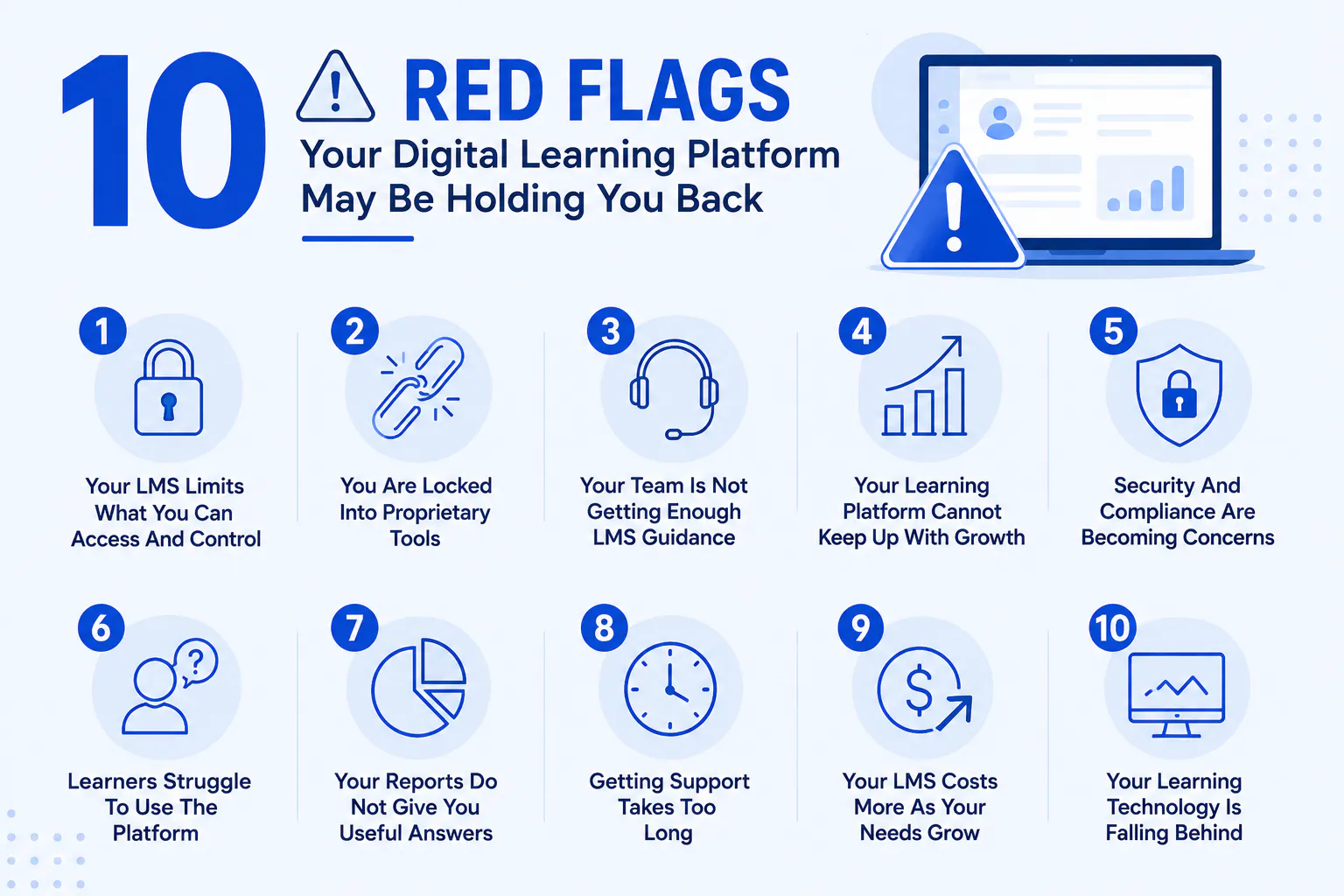
10 Red Flags Your Digital Learning Platform May Be Holding You Back
A learning management software should simplify learning delivery, not create additional barriers for learners, instructors, and administrators. If your team is repeatedly working around platform limitations, these signs may indicate that your current learning platform needs to be reassessed.
1. Your LMS Limits What You Can Access And Control
An effective learning management platform should give administrators appropriate control over learning content, users, reports, data, and system settings. If your team has to contact the vendor for basic administrative tasks, export learner data, or access backups, the platform may be restricting your control.
Why it matters:
- Content migration becomes more difficult.
- Administrators become dependent on vendor support.
- Data access can become a problem during audits or platform changes.
- Moving to another learning platform becomes more time-consuming.
What to look for: Choose a platform with self-service administration, straightforward data exports, accessible backups, and clear control over users, courses, and learning records.
Read more: How to Successfully Switch to a New LMS
2. You Are Locked Into Proprietary Tools
A digital learning platform can become difficult to replace when important courses, assessments, workflows, or integrations depend on proprietary features. What initially feels convenient can become a problem when your organization needs to connect new systems or migrate learning content.
Why it matters: Vendor lock-in can increase switching costs and make it harder to reuse content across platforms.
What to look for: Prioritize learning technology that supports open standards, data portability, flexible integrations, and exports for courses, assessments, and learner records.
3. Your Team Is Not Getting Enough LMS Guidance
A feature-rich corporate learning platform or a school learning management software is only useful when your team knows how to use it effectively. If onboarding is limited and administrators are left to figure out course structures, integrations, automation, assessments, and reporting themselves, your organization or institution may not be getting the full value from the system.
Why it matters: Poor implementation can lead to inefficient workflows, inconsistent courses, and low learner adoption.
What to look for: Look for responsive onboarding, knowledgeable customer success teams, implementation guidance, training resources, and ongoing platform support.
Read more: Top 7 LMS Implementation Problems and How to Solve them
4. Your Learning Platform Cannot Keep Up With Growth
A training platform that works for a few hundred learners may not work equally well when your organization manages thousands of users, multiple departments, different learning programs, or several locations.
Growth can expose limitations in enrollment, automation, reporting, permissions, content management, and integrations.
What to look for: Your learning management system should support multiple audiences, automated enrollment, role-based access, scalable reporting, learning paths, and growing content libraries.
5. Security And Compliance Are Becoming Concerns
Your digital training platform contains valuable information about learners, assessments, certifications, and organizational training. Security should therefore be part of your platform evaluation, not an afterthought.
Warning signs include outdated security practices, unclear data policies, limited access controls, or a lack of transparency around security updates.
What to look for: Consider role-based permissions, multi-factor authentication, audit logs, encryption, regular security updates, and compliance capabilities relevant to your organization.
6. Learners Struggle To Use The Platform
An online learning platform will not deliver results if learners find it difficult to use. Complicated navigation, slow pages, poor mobile experiences, confusing course structures, and excessive clicks can all reduce engagement.
Why it matters: When accessing a course feels like work, learners are more likely to postpone training or abandon it altogether.
What to look for: Prioritize simple navigation, mobile accessibility, clear dashboards, intuitive course structures, and a consistent experience across devices.
7. Your Reports Do Not Give You Useful Answers
Completion rates alone are not enough to understand whether training is working. Organizations need learning analytics that help identify knowledge gaps, monitor assessment performance, track certifications, and understand learner progress.
If your team still relies heavily on spreadsheets to interpret data from the LMS, your reporting capabilities may be too limited.
What to look for: Look for customizable dashboards, timely reporting, learner performance data, assessment analytics, certification tracking, and easy data exports.
8. Getting Support Takes Too Long
Technical problems can directly affect the learning experience. When your LMS provider takes too long to resolve issues or offers only generic support, small problems can become major disruptions.
Why it matters: Administrators may spend valuable time troubleshooting instead of managing learning programs.
What to look for: Consider dedicated customer support, clear response times, multiple support channels, knowledge bases, and access to knowledgeable platform specialists.
Read more: 10 Questions to Ask Your LMS Vendor
9. Your LMS Costs More As Your Needs Grow
The initial LMS price rarely tells the full story. Additional users, storage, integrations, premium features, support, and reporting capabilities can significantly increase the total cost over time.
Why it matters: Unexpected licensing costs can make it harder to expand training programs or adopt features your learners need.
What to look for: Compare the total cost of ownership, including user licensing, integrations, storage, support, implementation, upgrades, and additional features.
10. Your Learning Technology Is Falling Behind
Learning technology continues to evolve. AI-powered tools, personalized learning, automation, mobile learning, advanced analytics, and new content formats are changing what organizations expect from a modern learning platform.
If your provider rarely introduces meaningful improvements or your team increasingly depends on third-party tools to fill platform gaps, it may be time to reassess your system.
What to look for: Look for a clear product roadmap, regular updates, modern integrations, automation capabilities, AI-supported features, and flexibility to support emerging learning requirements.
Read more: AI Powered LMS Platform: How AI Enhances Learning Experiences?
When Should You Replace Your LMS?
You do not necessarily need to replace a learning management system because it lacks one feature. The stronger signal is when several limitations consistently affect learners, administrators, costs, or training outcomes.
If your team spends more time working around the platform than using it to improve learning, it is worth comparing alternatives. Evaluate your current system against your requirements for usability, scalability, integrations, analytics, security, support, and total cost.
Your learning platform should support your learning strategy, not dictate its limitations.
How To Choose A Better LMS?
Before switching platforms, identify the problems your current LMS is creating and prioritize the capabilities your organization actually needs.
Consider:
- Learner experience: Is the platform simple and accessible across devices?
- Course management: Can your team easily create, organize, and update learning content?
- Assessment: Does it support quizzes, assignments, grading, and feedback?
- Analytics: Can decision-makers access meaningful learning and performance data?
- Integrations: Can it connect with HR, CRM, payment, content, or other business systems?
- Scalability: Can it support more learners, courses, departments, and locations?
- Administration: Can your team automate repetitive learning management tasks?
- Security: Does it provide the controls and compliance capabilities your organization requires?
- Support: Will you receive meaningful assistance when your team needs it?
- Total cost: Is the pricing model sustainable as your learning program grows?
The goal is not to find the LMS with the most features. It is to find a learning platform that solves your current problems while giving your organization and institutions room to grow.
Conclusion
An LMS should make learning easier, not create more work for your team. Poor usability, limited integrations, weak analytics, security concerns, rising costs, and slow innovation are signs that your current platform may be holding your organization back.
Review these red flags regularly to ensure your learning management platform continues to support learners, administrators, and your wider training goals. If the limitations are affecting learning outcomes or operational efficiency, it may be time to consider a more capable solution.

