Loading page
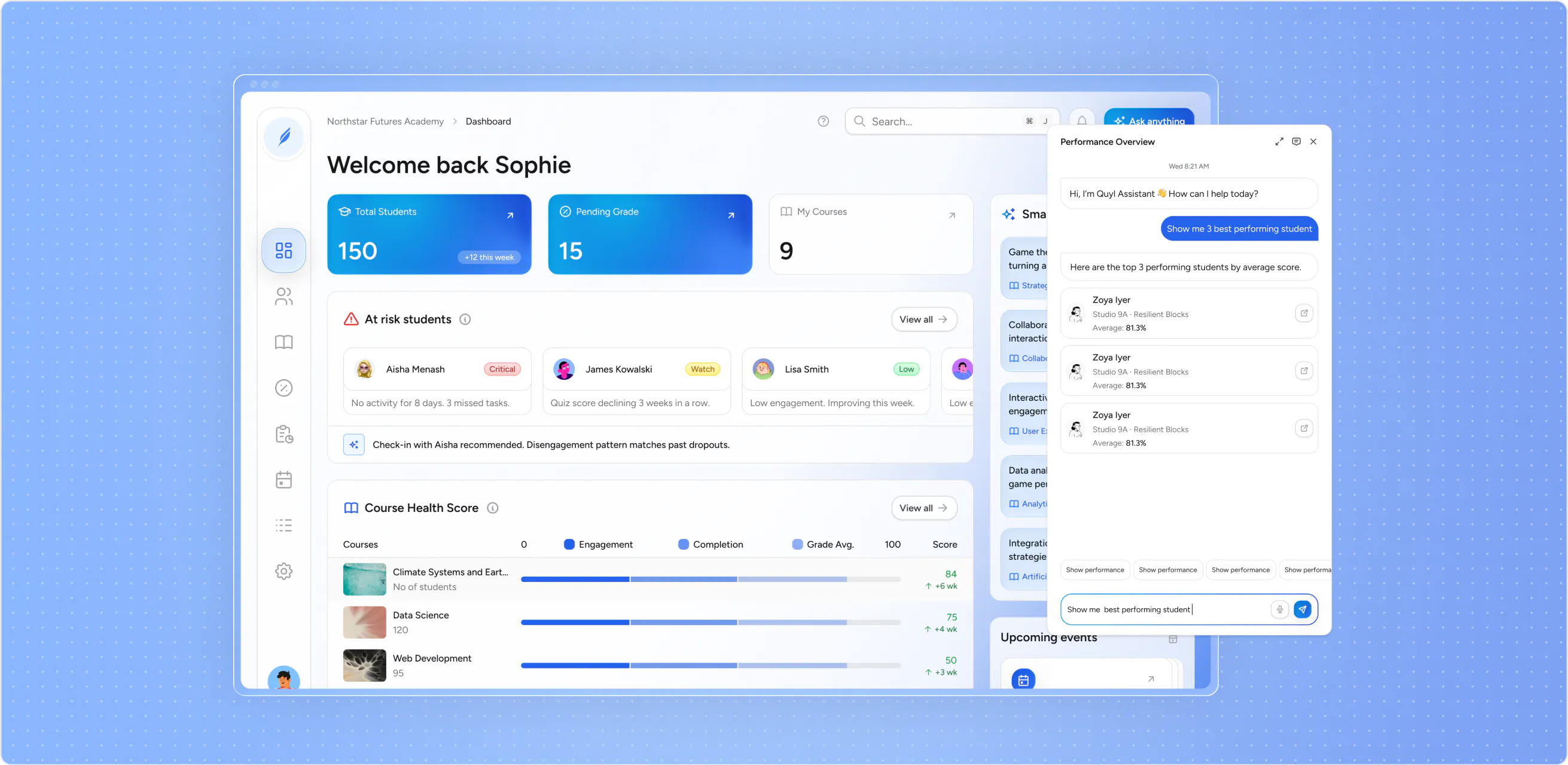
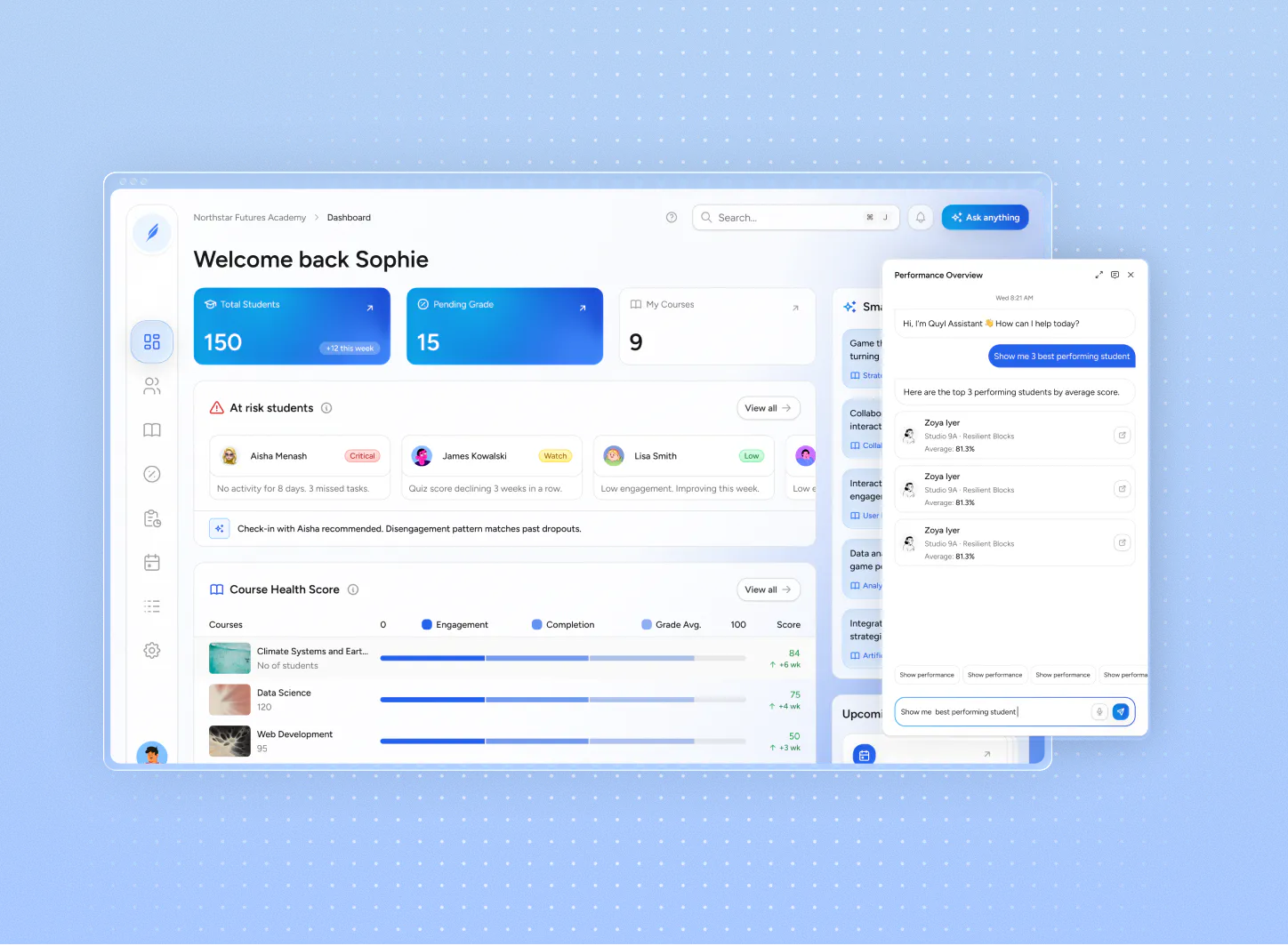
Quyl Assistant gives users a simple way to ask questions about what’s happening across their school. Ask in plain language, get an answer grounded in the information already in Quyl, and keep moving.

 Rachel Smithrachel.smith@mail.com50%
2 cohorts8 courses
30assessments
3021scored items
95students
vs institution avg-10
Watch course
Data Analysis Fundamentals
55%Strongest course
Advanced Statistical Methods
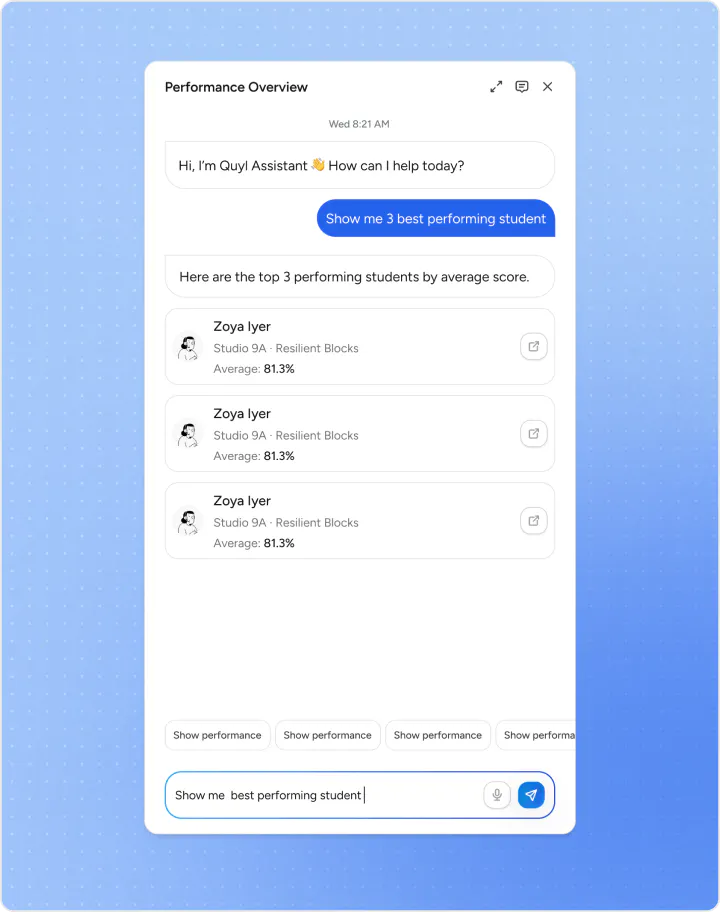
92%Quyl Assistant
Wed 8:21 AM
Hi, I’m Quyl Assistant 👋 How can I help today?
Show me 3 best performing student
Here are the top 3 performing students by average score.

Zoya Iyer
Studio 9A · Resilient Blocks
Average: 81.3%
Zoya Iyer
Studio 9A · Resilient Blocks
Average: 81.3%
Zoya Iyer
Studio 9A · Resilient Blocks
Average: 81.3%
Show performanceShow performanceShow performanceShow performance
Who is falling behind?
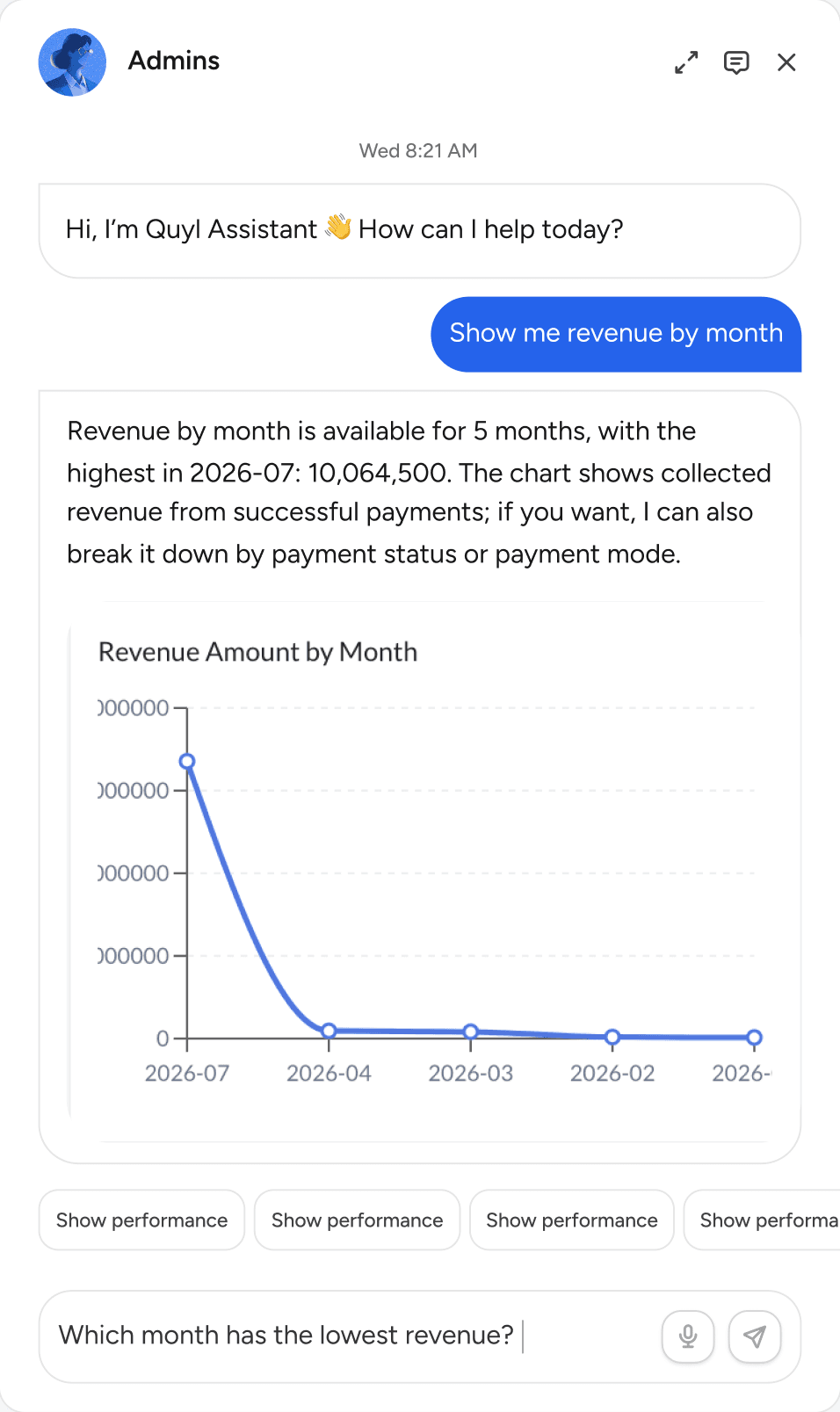
Use Quyl Assistant to quickly understand what’s happening across your school, from student performance and attendance to courses, assessments, and other information in Quyl.
No more digging through spreadsheets or reports. Just ask, and your AI assistant finds the student insights you need — pulling from grades, attendance, and behavior data instantly.
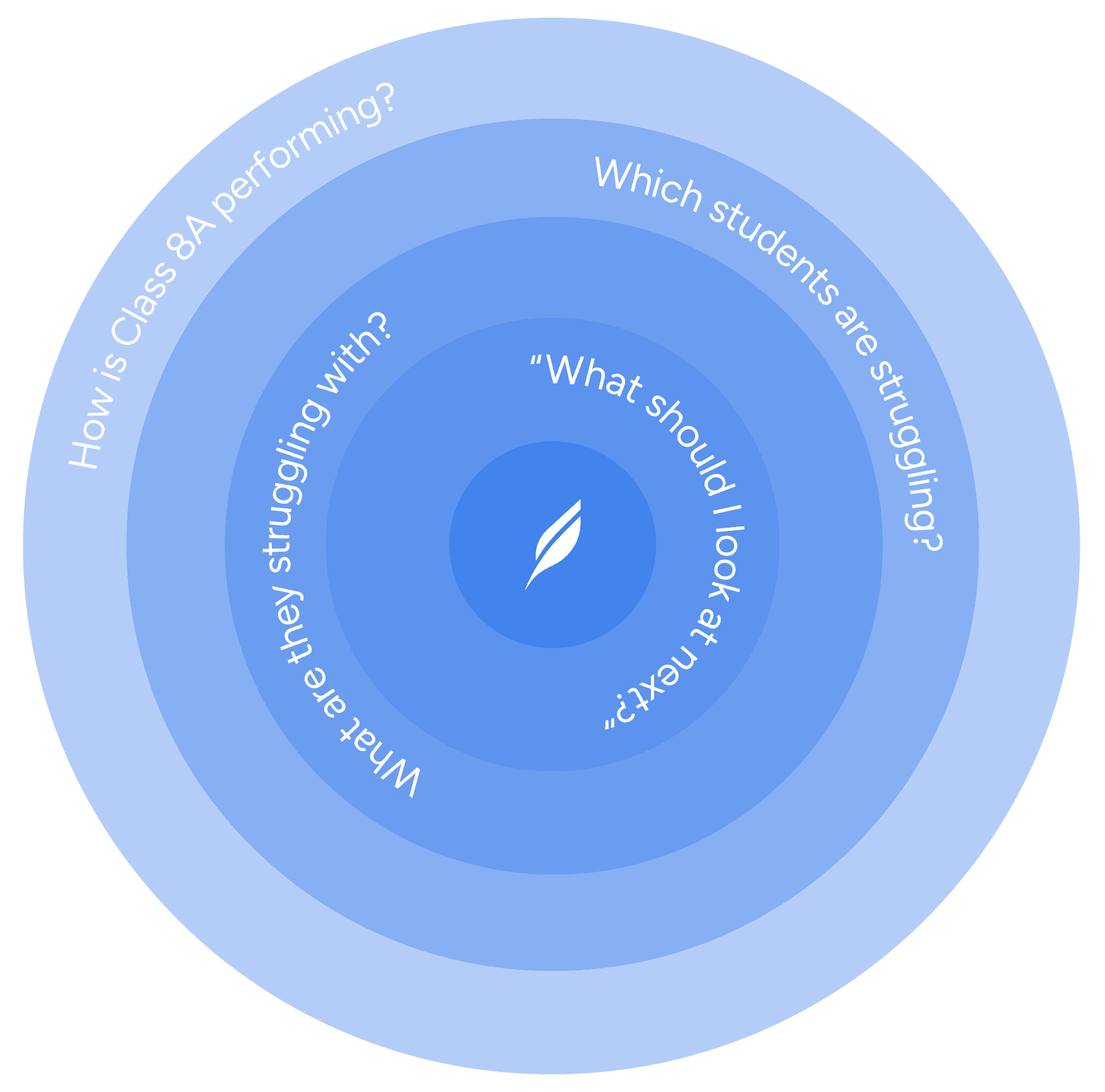
You don't have to stop at the first answer. Ask follow-up questions to narrow the context, explore a different angle, or understand what's behind the information. Keep going until you have everything you need.

Quyl Assistant works within the information you're authorised to access, so you get answers shaped around your role and responsibilities. No digging through information that isn't relevant to you, just the context you need to answer your question.

Assignments
Grading & Assesments
Courses
Progress Reports
Payments and Finances
Cohorts
Assignments
Grading & Assesments
Courses
Progress Reports
Payments and Finances
Cohorts
Quyl Assistant helps you find the context you’re looking for. When you want to go further, Smart Insights looks across performance metrics to uncover recurring strengths, gaps, and trends over time, surfacing patterns that may otherwise take hours of manual comparison to find.


