
Key Takeaways
- The five LMS platforms with authoring tools are 360Learning, Absorb LMS, Quyl, TalentLMS, and CYPHER Learning.
- LMS authoring capabilities vary across platforms, including collaborative course creation, AI-assisted content development, interactive assessments, and content editing.
- Evaluate an LMS based on its authoring features, AI capabilities, assessment tools, pricing, and suitability for your education or training needs.

LMS platforms with authoring tools help instructors and training teams create courses, lessons, quizzes, assignments, and other learning materials. The five best LMS platforms with authoring tools are 360Learning, Absorb LMS, Quyl, TalentLMS, and CYPHER Learning. They offer capabilities such as collaborative editing, AI-assisted content creation, interactive assessments, and course development.
We prepared this comparison independently, with no paid placements, using official company sources checked on 25 November 2026.
In this blog, we will examine five LMS platforms with authoring tools, comparing their course creation features, AI capabilities, assessments, pricing, and ideal use cases to help you evaluate which platform fits your needs.
The Short Answer: Top 5 LMS With Authoring Tools
LMS authoring tools help instructors and training teams develop learning content, from course lessons and assessments to AI-assisted learning materials. The platforms below offer different approaches to course creation, collaboration, and content development.
- 360Learning: Best for collaborative course authoring, allowing subject matter experts and instructional designers to create and update training content together.
- Absorb LMS: Best for organizations seeking AI-powered course creation and editing through Absorb Create, alongside learning management and reporting.
- Quyl: Best for schools, colleges, coaching centres, and training providers that need AI-assisted curriculum content, assignment and quiz composition, course cover image generation, and rich-text content drafting and refinement.
- TalentLMS: Best for businesses that want to create courses and interactive learning content with TalentCraft, its AI-powered course creation tool.
- CYPHER Learning: Best for organizations seeking AI-assisted content creation, personalized learning, and competency tracking within a unified learning platform.
How We Chose and Checked
A platform is included if it provides an LMS with built-in course authoring capabilities or tools for creating and refining learning content, offers relevant features for developing lessons or assessments, and serves a relevant education or training use case. We distinguish AI-assisted content creation from collaborative authoring and broader course-building capabilities so readers can understand what each platform supports.
Every feature and pricing detail comes from the vendor’s official website, checked on 25 November 2026. “Not stated” means the official page we reviewed did not specify the detail, not that the product lacks it. We list the platforms in the order presented, without ranking or scoring them.
5 Best LMS With Course Authoring Compared
We reviewed the platforms’ official websites on 25 November 2026. Authoring capabilities, pricing, and trial access may vary by plan. “Not stated” means the official page reviewed did not specify the details.

Note: Prices and trial terms can change. Confirm current details with each vendor before making a purchase decision.
1. 360Learning: Collaborative Course Authoring With AI

360Learning includes a collaborative authoring tool that lets teams create, edit, and update learning content within the platform. Its course creation features support contributions from subject matter experts, helping organizations turn internal knowledge into structured training courses.
For teams looking to streamline course development, 360Learning combines collaborative editing with learning activities and content integrations. Its features and available AI capabilities may vary by plan.
Key Features
- Collaborative Course Authoring: Create and update courses together with subject matter experts and instructional designers.
- AI-Assisted Content Creation: Use available AI capabilities to support course development and content refinement.
- Interactive Learning Activities: Add quizzes, challenges, and discussions to support learner participation.
- Content Integrations: Bring learning content and resources into course development workflows.
- Learning Management: Assign courses, organize learners, and monitor training progress.
Pricing
360Learning offers a Team plan for $8 per user per month, billed monthly, for up to 100 users. Business and Enterprise plans have custom pricing.
- Best for: Small and growing organizations that want collaborative course authoring and employee training.
- Free trial: A 30-day free trial is available for the Team plan.
2. Absorb LMS: AI-Powered Course Authoring
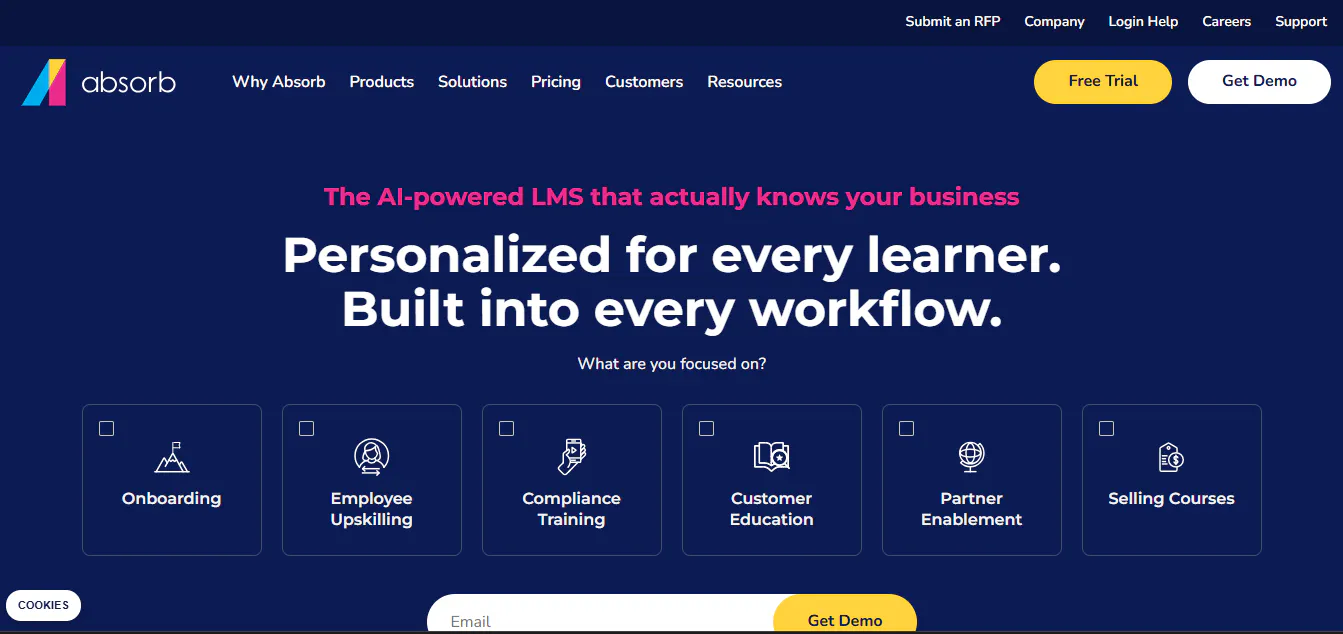
Absorb LMS offers Absorb Create, a dedicated course authoring tool that uses AI to help teams build and refine learning content. It supports course development workflows, including creating content, editing materials, and developing learning experiences without relying entirely on separate authoring software.
This makes Absorb relevant to organizations that need to produce employee training courses and update learning materials as requirements change.
Key Features
- AI-Powered Course Creation: Use Absorb Create to assist with developing and editing course content.
- Course Templates: Use available templates to structure learning materials and support consistent course design.
- Interactive Learning Content: Develop engaging learning experiences using supported authoring features.
- PowerPoint Conversion: Convert existing presentations into e-learning content where supported by the product.
- Course Management: Organize learning content and deliver training through the LMS.
Pricing
Absorb LMS uses custom pricing based on organizational requirements and deployment needs. Contact the vendor for a quote.
- Best for: Organizations that need dedicated AI-assisted authoring capabilities alongside enterprise learning management.
- Free trial: Contact Absorb to confirm current trial availability and access conditions.
3. Quyl: AI-Assisted Course Content Creation

Quyl supports AI-assisted content creation within its authoring workflows, helping educators and training teams compose curriculum materials, assignments, and quizzes. It also supports AI-generated course cover images and drafting or refining rich-text content, bringing several course preparation tasks into the LMS.
Beyond authoring, Quyl brings course management, assessments, attendance, and learner administration together, making it relevant to institutions that want to manage teaching and learning activities within one platform.
Key Features
- AI-Assisted Curriculum Creation: Help compose and refine curriculum content for courses and learning activities.
- Assignment and Quiz Composition: Use AI assistance to prepare assignments and quiz content.
- AI-Generated Course Covers: Generate course cover images to support course presentation.
- Rich-Text Content Authoring: Draft and refine written learning materials within authoring workflows.
- Course and Learner Management: Organize courses, assessments, attendance, and learner information alongside content creation.
Pricing
Quyl does not publicly list subscription prices. Contact the team for pricing based on your requirements.
- Best for: Schools, colleges, coaching centres, and training providers that need AI-assisted content preparation alongside course and learner management.
- Free trial: A public free trial is not stated; a demo can be requested.
4. TalentLMS: Course Creation With TalentCraft
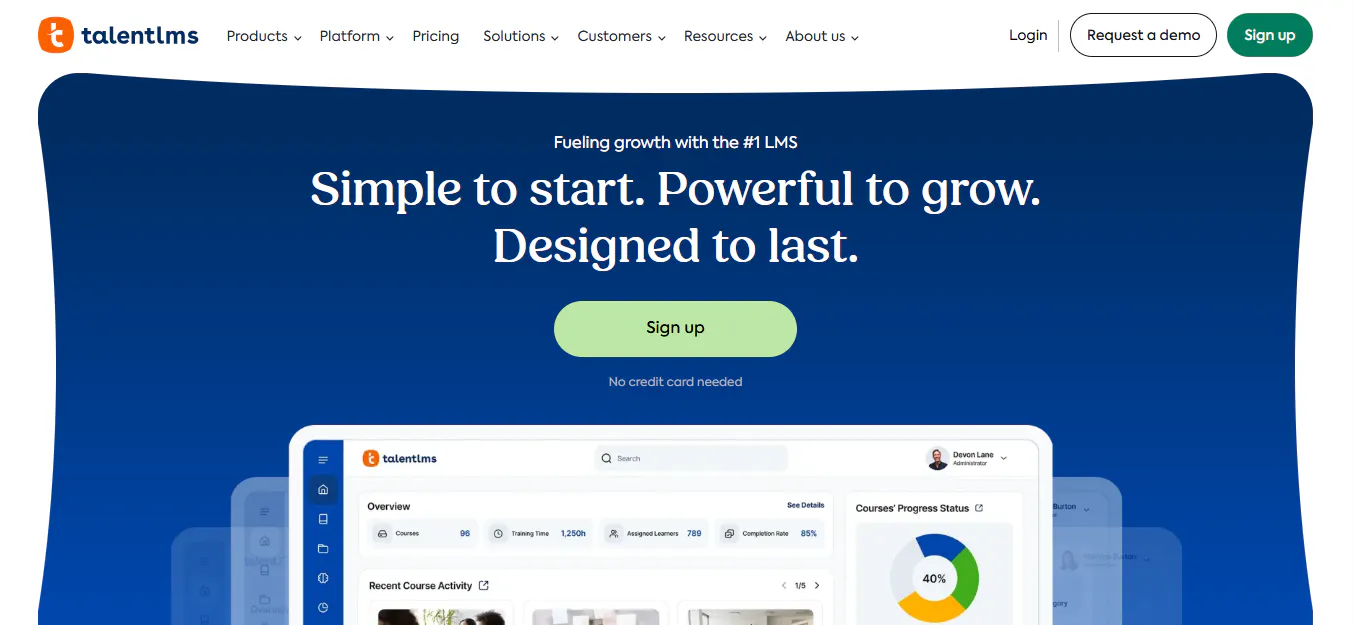
TalentLMS supports course creation and assessment development for businesses delivering employee training. Its TalentCraft tool adds AI-assisted course authoring, helping users create learning content and interactive lessons within the platform's training workflow.
This combination is useful for organizations that want to build courses, deliver training, and track learner progress without managing a separate LMS for course delivery.
Key Features
- AI-Assisted Authoring: Use TalentCraft to help create course content and learning materials.
- Course Creation: Build and organize training courses within the LMS.
- Quizzes and Assessments: Create knowledge checks and assessments to evaluate learning.
- Multimedia Content: Include supported content formats in training courses.
- Learner Tracking: Monitor course completion and training progress through reporting features.
Pricing
TalentLMS offers a free plan for up to five users and 10 courses. Paid plans include Core, Grow, and Pro, with pricing depending on the selected plan and billing arrangement.
- Best for: Businesses that need straightforward course authoring and employee training management.
- Free trial: A forever-free plan for 5 users and 10 courses, along with a 14-day premium trial.
5. CYPHER Learning: AI-Assisted Content and Learning Design
CYPHER Learning combines learning management with AI-assisted content creation and personalized learning capabilities. Its authoring features support the development of learning materials and assessments, while its broader platform helps organizations organize learning activities and monitor competency development.
It is worth considering for organizations that want course creation and learner management connected within a single learning environment.
Key Features
- AI-Assisted Content Creation: Support the development of learning materials with available AI tools.
- Course Authoring: Create and organize course content for different learning programs.
- Assessment Creation: Develop learning checks and assessments to evaluate learner understanding.
- Personalized Learning: Use platform capabilities to support learning experiences suited to individual needs.
- Competency Tracking: Monitor learning progress and competency development through available reporting features.
Pricing
CYPHER Learning's pricing depends on the organization's requirements and selected solution. Contact the vendor for a quote.
- Best for: Organizations seeking AI-assisted course creation alongside personalized learning and competency tracking.
- Free trial: Contact the vendor to confirm current trial availability.
4 Popular Stand-Alone Course Authoring for Creating E-Learning Courses
Stand-alone authoring tools help educators and instructional designers create interactive lessons, quizzes, simulations, and other learning materials. These tools can complement an LMS by letting teams develop content separately and upload it to compatible platforms.
1. Articulate 360
Articulate 360 includes Storyline 360 and Rise 360, which help teams create interactive online courses, quizzes, and responsive learning content.
Key highlights:
- Interactive course creation
- Ready-made templates
- Quizzes and assessments
- Multimedia integration
Best for interactive and customizable e-learning
2. Adobe Captivate
Adobe Captivate helps instructional designers build interactive lessons, software simulations, and responsive e-learning courses.
Key highlights:
- Software simulations
- Interactive learning content
- Responsive course design
- Multimedia support
Best for software simulations and demonstrations
3. iSpring Suite
iSpring Suite works with PowerPoint to help users turn existing presentations into online courses, quizzes, and video-based training materials.
Key highlights:
- PowerPoint-to-course conversion
- Interactive quizzes
- Dialogue simulations
- Training video creation
Best for converting PowerPoint presentations into courses
4. Elucidat
Elucidat is a cloud-based authoring tool that helps teams create responsive e-learning courses using templates and collaborative content development features.
Key highlights:
- Collaborative authoring
- Reusable course templates
- Branding customization
- Content localization and translation
Best for collaborative course development
Which LMS With Course Authoring Fits Your Needs?
We picked these three options based on their different approaches to course authoring and content creation.
- For Collaborative Training: 360Learning supports collaborative course authoring with subject matter experts.
- For AI-Assisted Course Creation: Absorb LMS and TalentLMS offer AI-powered authoring tools.
- For AI-Assisted Content Creation and Course Management: Quyl helps educators create curriculum content, assignments, quizzes, and course materials with AI assistance while managing courses, assessments, and learner progress in one platform.
Sources
- 360Learning Pricing · 360Learning
Team plan pricing, authoring features, and free trial information. Reviewed 25 November 2026. - Absorb Create · Absorb LMS
AI-assisted course authoring and content development. Reviewed 25 November 2026. - Quyl · Quyl
Course management, AI-assisted content creation, assessments, and learner management. Reviewed 25 November 2026. - TalentLMS Pricing · TalentLMS
Pricing plans, free plan, and premium trial information. Reviewed 25 November 2026. - CYPHER Learning · CYPHER Learning
Learning management, AI-assisted content creation, and personalized learning capabilities. Reviewed 25 November 2026.
Changelog
25 November 2026: First published. Vendor websites were reviewed for authoring capabilities, pricing, and trial information. Features and pricing may change, so confirm current details with the vendor before purchasing.
If you represent one of the listed platforms and find an outdated or inaccurate detail, write to info@quyl.online. We correct verified errors within five working days and note the change here.
Frequently Asked Questions
What Are Some Effective LMS Authoring Tools?
360Learning supports collaborative authoring, Absorb LMS offers Absorb Create, and TalentLMS provides TalentCraft for AI-assisted course creation. Quyl supports AI-assisted curriculum content, assignment and quiz composition, and rich-text drafting.
What Are LMS Authoring Tools?
LMS authoring tools help educators and training teams create and edit lessons, assessments, and other learning materials within or alongside a learning management system.
Can AI Create Courses in an LMS?
Yes. Depending on the platform, AI can assist with lesson content, course development, and assessment creation. Capabilities vary by tool.
What Is the Difference Between an LMS and an Authoring Tool?
An LMS manages course delivery, learners, and progress. An authoring tool focuses on creating learning content. Some LMS platforms include authoring features directly.

