
Moodle is one of the world's most widely used open source learning management systems, trusted by schools, colleges, universities, and training organizations for its flexibility and extensive customization.
However, like any LMS, Moodle has its own shortcomings, leading many institutions to explore alternatives that better support their evolving teaching, learning, and administrative needs.
In this guide, you'll discover the best Moodle alternatives, compare their features, strengths, limitations, and ideal use cases to help you choose the right learning management system for your institution.
What does Moodle offer?
Moodle is a popular open source learning management system that provides a flexible and customizable platform for online, hybrid, and workplace learning.
It enables institutions to create and manage courses, deliver assignments and quizzes, track learner progress, support collaborative learning, generate reports, integrate third party tools, and customize the platform through an extensive plugin ecosystem, making it a widely adopted LMS for schools, universities, and training organizations
Why are Schools and Organizations looking for Moodle alternatives?
While Moodle is a powerful and widely adopted LMS, its setup, maintenance, and user experience may not suit every institution. Many schools and organizations are choosing modern alternatives that simplify administration, improve usability, and reduce technical complexity.
Some of the common reasons institutions consider Moodle alternatives include:
- Complex setup and maintenance that often requires technical expertise.
- Heavy reliance on plugins to extend functionality and support advanced requirements.
- Steeper learning curve for administrators and educators compared to newer LMS platforms.
- User interface that feels less modern than many cloud based learning platforms.
- Limited built in analytics and insights, often requiring additional integrations for advanced reporting.
- Ongoing platform management including updates, hosting, and plugin compatibility.
Top 8 Best Moodle Alternatives in 2026
Quyl
What it offers
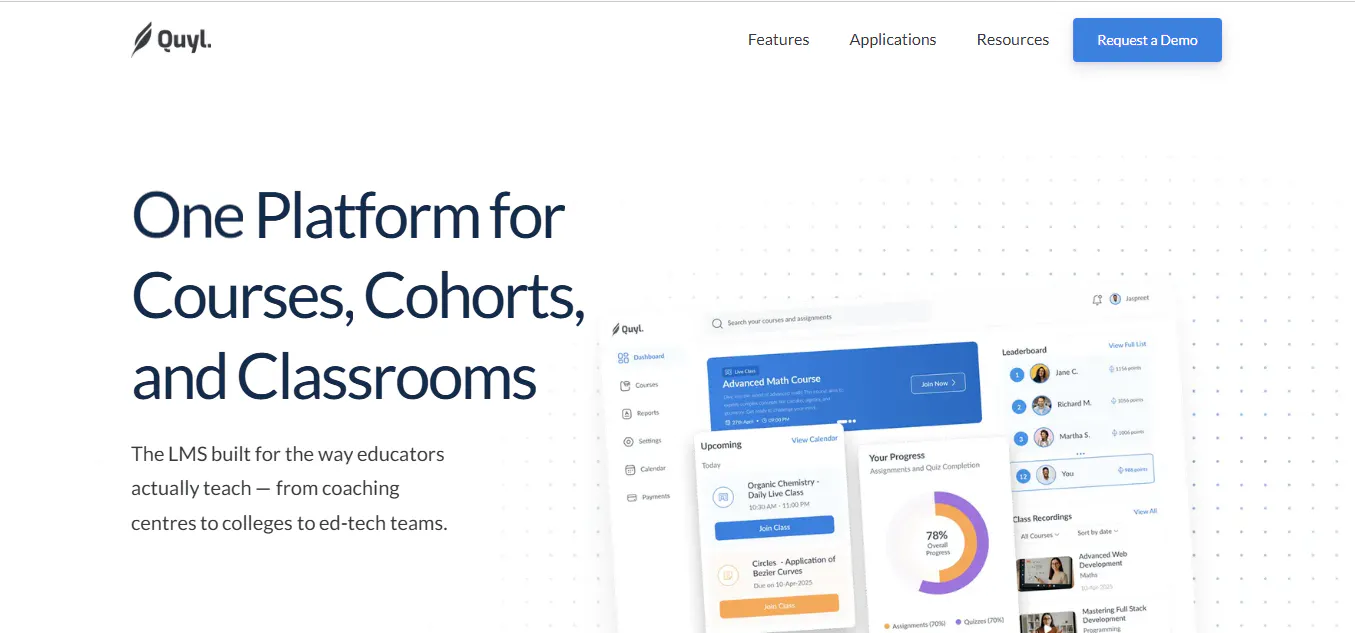
Quyl is a modern learning management system designed for schools, colleges, coaching centres, edtech platforms, and corporate training providers. It brings together course creation, assessments, cohort management, reporting, live learning, and administrative tools in one platform, helping institutions simplify learning delivery and day to day operations.
Beyond core learning management, Quyl includes AI features that help educators create content faster, automate routine tasks, simplify grading, generate actionable insights, and personalize learning experiences. Its connected workflow allows institutions to create courses, assign learners, host live classes, track progress, manage enrollments, and generate reports without switching between multiple tools.
Key features
- Flexible course builder with support for documents, videos, links, and interactive learning content.
- Assignments, quizzes, and assessment tools with auto grading capabilities.
- AI features for content creation, grading assistance, automation, and academic support.
- Cohort management with learner grouping, course assignments, and performance tracking.
- Smart Insights and Smart Reports for monitoring learner progress and institutional performance.
- Built in live classes with video platform integration for synchronous learning.
- Enrollment tracking with progress monitoring and learner engagement insights.
- Integrated calendar for scheduling classes, events, and assignment deadlines.
- Payments and fee management with invoicing and financial tracking.
- Scalable platform suitable for institutions managing multiple courses and learner groups.
Best for
Schools, colleges, coaching centres, universities, edtech platforms, and corporate training organizations are looking for a modern learning management system with integrated AI features, learner management, reporting, and administrative capabilities in one platform.
Canvas
What it offers
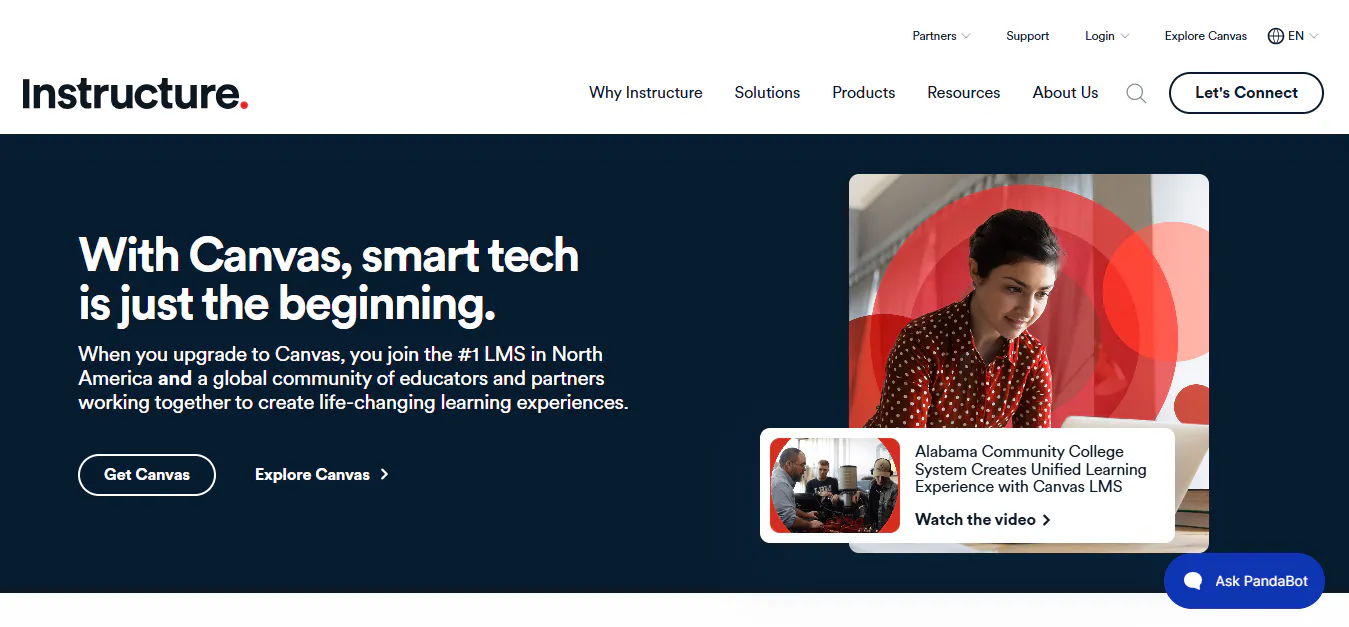
Canvas is a cloud based learning management system designed for schools, colleges, and universities that want a modern and intuitive teaching experience. It simplifies course creation, content delivery, assessments, grading, and collaboration while providing the scalability needed to support institutions of all sizes.
Known for its clean interface and extensive integration ecosystem, Canvas helps educators manage learning efficiently without a steep learning curve. It also offers advanced analytics, mobile learning, accessibility features, and collaboration tools that create a connected digital learning environment for both instructors and students.
Key features
- Intuitive course management for creating and organizing learning content.
- SpeedGrader for faster grading, annotations, and personalized feedback.
- Gradebook with real time learner performance tracking.
- Blueprint Courses for standardizing course content across multiple classes.
- Learning analytics and reporting to monitor engagement and learning outcomes.
- More than 1,000 integrations with educational and productivity tools.
- Dedicated mobile apps for students, teachers, and parents.
- Built in accessibility features that support inclusive learning.
- Cloud based infrastructure with automatic updates and high availability.
- Collaboration tools for discussions, assignments, and communication.
Best for
Schools, colleges, universities, and educational institutions are looking for a user-friendly cloud based learning management system with strong course management, grading tools, analytics, and a broad integration ecosystem.
Read more: Why Traditional Teaching Methods No Longer Engage Students
Blackboard
What it offers
Blackboard is an enterprise grade learning management system built primarily for higher education institutions and large organizations. It provides a comprehensive platform for course management, assessments, learner engagement, accessibility, analytics, and institutional reporting, enabling educators to deliver high quality learning experiences at scale.
Beyond managing courses, Blackboard supports academic planning and institutional effectiveness through advanced reporting, accessibility tools, collaboration features, and data driven insights. Its scalable cloud infrastructure makes it well suited for universities managing large learner communities and complex academic operations.
Key features
- Comprehensive course management for online, hybrid, and in person learning.
- Built in accessibility tools that support inclusive learning experiences.
- Assessment and grading tools with streamlined evaluation workflows.
- Learning analytics and institutional reporting for tracking learner performance.
- AI features that assist educators with content creation and teaching workflows.
- Video learning and collaboration tools for interactive classes.
- Institutional effectiveness tools for accreditation and academic planning.
- Student progress tracking with actionable performance insights.
- Cloud based infrastructure that supports large scale deployments.
- Secure platform designed for enterprise level education environments.
Best for
Universities, higher education institutions, and large organizations are looking for an enterprise learning management system with advanced accessibility, analytics, institutional reporting, and academic management capabilities.
Read more: 4 Google Classroom Alternatives Schools Should Consider in 2026
TalentLMS
What it offers
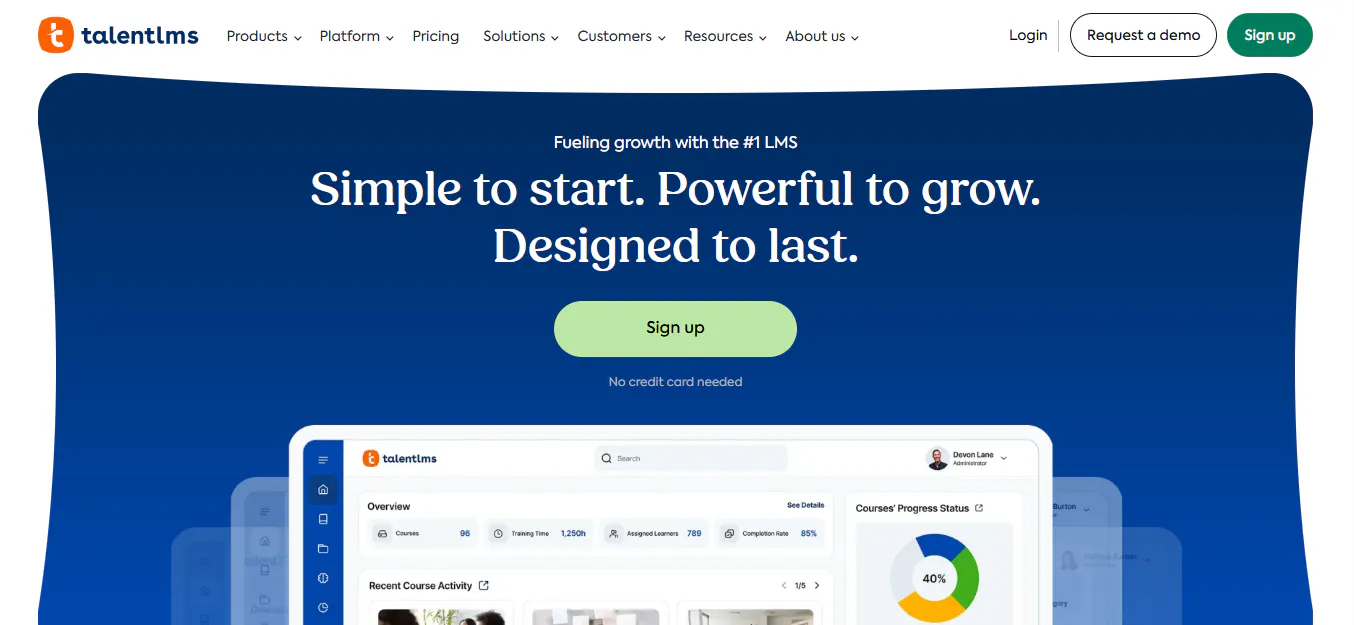
TalentLMS is a cloud based learning management system designed for businesses and organizations that need to deliver employee training, onboarding, compliance programs, partner education, and customer training. It focuses on ease of use, fast deployment, and automation, allowing organizations to launch training programs quickly without extensive technical expertise.
The platform combines course creation, learning paths, assessments, reporting, gamification, and integrations in a single solution. It also includes AI features that assist with course creation, skills mapping, and personalized learning, making workforce training more engaging and efficient.
Key features
- AI features for course creation, skills mapping, and personalized learning.
- Course builder with support for multimedia content and ready made course libraries.
- Learning paths that guide learners through structured training programs.
- Assessments and quizzes to evaluate learner knowledge and progress.
- Gamification with badges, points, and leaderboards to improve engagement.
- User roles, permissions, and branch management for multi team training.
- Workflow automation for enrollments, notifications, and administrative tasks.
- Real time analytics with custom and scheduled reporting.
- More than 40 integrations with HR systems, communication tools, and business applications.
- Custom branding, multilingual support, and mobile learning capabilities.
Best for
Businesses, enterprises, training providers, and organizations looking for an easy to deploy learning management system for employee onboarding, compliance training, customer education, and workforce development.
Read more: What is the Difference Between LMS and Traditional Learning Methods?
Docebo
What it offers
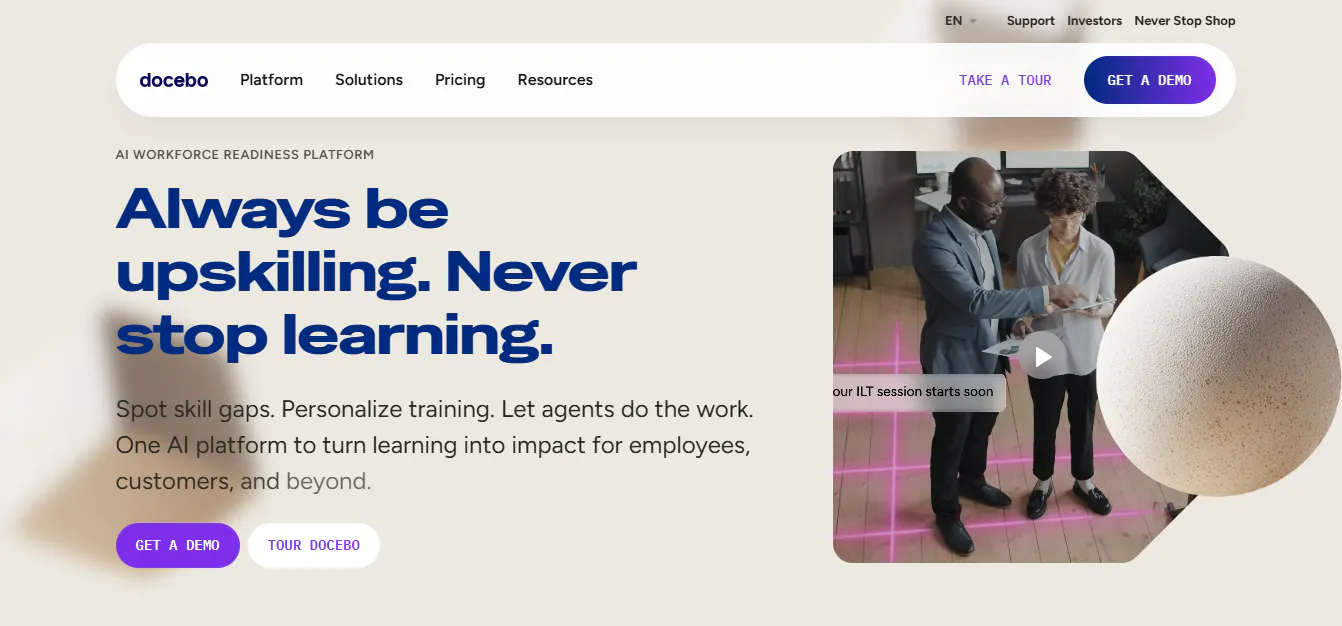
Docebo is a cloud based learning management system designed for enterprise learning and workforce development. It helps organizations deliver employee onboarding, compliance training, customer education, partner training, and sales enablement through a scalable platform that combines learning management, content creation, and analytics.
The platform includes AI features that streamline course creation, recommend relevant learning content, personalize training experiences, and automate routine learning tasks. Combined with social learning, extensive integrations, and a large content library, Docebo enables organizations to build engaging training programs while measuring learning effectiveness.
Key features
- AI features for content creation, personalized learning, and automated recommendations.
- Course management with support for multimedia content, microlearning, and learning paths.
- Virtual Coach that recommends relevant learning based on individual progress.
- Discover, Coach, and Share social learning tools for peer collaboration and knowledge sharing.
- Extensive off the shelf course library covering business, compliance, and professional skills.
- Advanced analytics and reporting for tracking learner engagement and training effectiveness.
- Assessments, quizzes, and certification management.
- White labeled mobile learning application with offline access.
- Native integrations and APIs for HR systems, CRM platforms, communication tools, and business applications.
- Scalable cloud infrastructure for global enterprise training.
Best for
Large enterprises, corporate training teams, customer education programs, partner enablement, compliance training, and organizations looking for a scalable learning management system with AI features and advanced learning analytics.
Toddle
What it offers
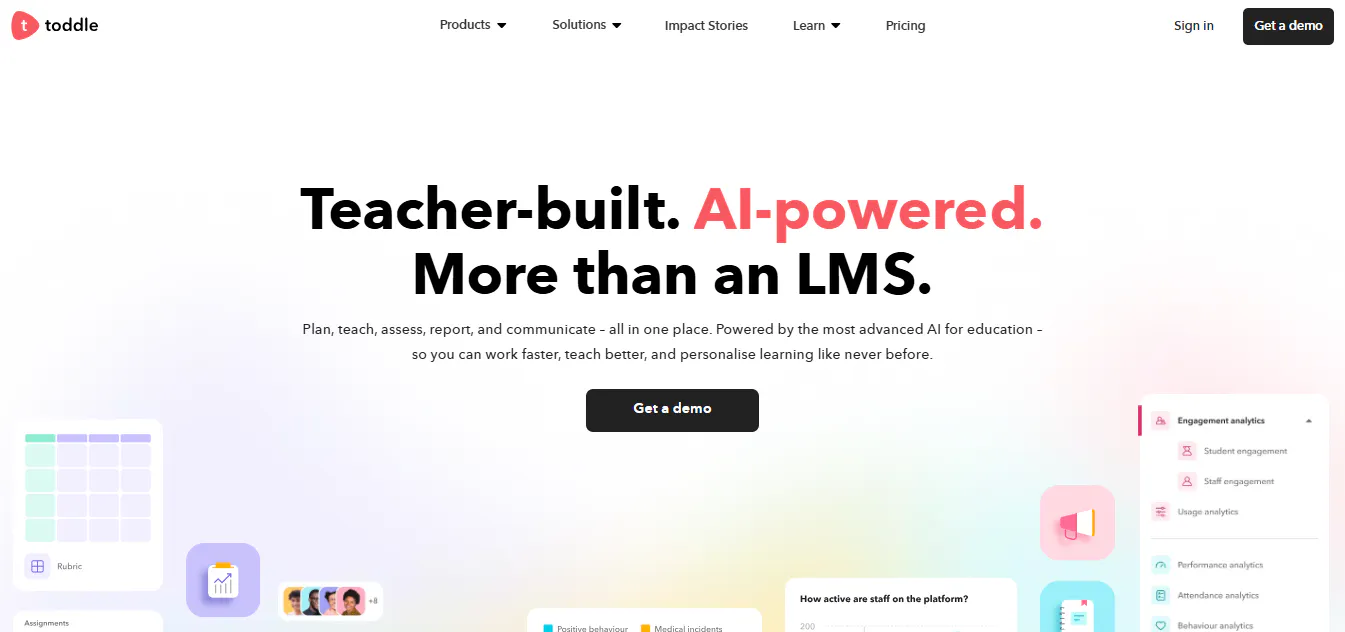
Toddle is a cloud based teaching and learning platform designed specifically for K-12 schools. It brings together curriculum planning, classroom instruction, assessments, reporting, communication, attendance, and school operations into a single platform, reducing the need for multiple education tools.
In addition to its core learning management capabilities, Toddle includes AI features that help educators design curriculum, create assessments, generate feedback, draft reports, and personalize learning experiences. Its integrated approach helps teachers save time while improving collaboration, student engagement, and academic outcomes.
Key features
- Curriculum planning tools for designing courses, units, and lesson plans.
- AI features for curriculum design, grading, report writing, and personalized learning support.
- Assessments and gradebook with multimodal feedback and performance analytics.
- Student portfolios for showcasing learning through photos, videos, and evidence.
- Progress reports and transcripts with customizable templates.
- Communication hub for messaging, announcements, and parent communication.
- Attendance, timetable, and calendar management for daily school operations.
- Behaviour management tools to support student well being and school culture.
- Accreditation management with built in support for major accreditation frameworks.
- More than 50 integrations with education platforms, SIS solutions, productivity tools, and communication applications.
Best for
K-12 schools, international schools, IB schools, school districts, and educational institutions looking for a comprehensive teaching and learning platform that combines curriculum planning, assessments, reporting, communication, and AI features in one solution.
D2L Brightspace
What it offers
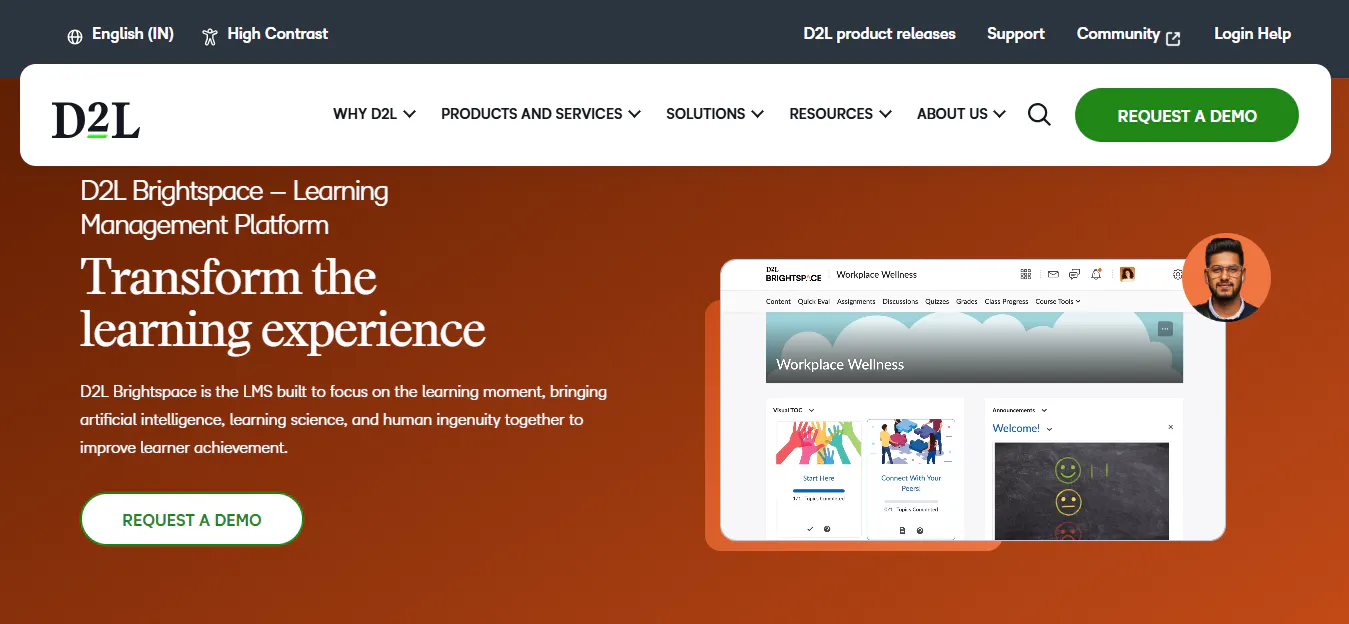
D2L Brightspace is a cloud based learning management system built for higher education, K-12 schools, associations, government agencies, and businesses. It focuses on delivering personalized learning experiences through accessible course design, outcome based assessments, analytics, and mobile learning.
The platform combines flexible course management with learner engagement tools, discussion forums, reporting, and accessibility features to help institutions improve learning outcomes. Its mobile first approach and intuitive interface make it easy for educators and learners to access courses and collaborate from any device.
Key features
- Course builder with templates for faster course creation.
- Outcome based assessments that align learning activities with educational goals.
- Learning analytics and reporting for tracking engagement, performance, and assessment quality.
- Personalized learning experiences based on learner progress and outcomes.
- Built in discussion boards that encourage collaboration and peer learning.
- Mobile first learning experience across smartphones, tablets, and desktops.
- Accessibility tools that support inclusive learning for students with diverse needs.
- Integrations with Google Drive, Microsoft OneDrive, and other learning technologies.
- Multimedia content support for engaging digital learning experiences.
- Cloud based platform with secure and scalable deployment.
Best for
Universities, K-12 schools, associations, government organizations, and institutions are looking for a cloud based learning management system with strong accessibility, personalized learning, analytics, and mobile learning capabilities.
Google Classroom
What it offers
Google Classroom is a cloud based learning management platform that helps teachers create virtual classrooms, organize learning materials, assign coursework, and communicate with students. Its seamless integration with Google Workspace makes it one of the most widely used platforms for digital and hybrid learning in schools.
The platform simplifies everyday classroom management by bringing assignments, announcements, grading, collaboration, and file sharing into one place. While it offers an easy to use experience and requires minimal setup, institutions with more advanced learning management needs often supplement it with additional tools for analytics, assessments, and administration.
Key features
- Virtual classroom creation and course organization.
- Seamless integration with Google Workspace, including Google Docs, Drive, Meet, Forms, Sheets, Slides, and Calendar.
- Easy assignment creation, submission, and grading workflows.
- Real time communication through announcements, comments, and feedback.
- Collaborative learning with shared documents and group activities.
- Cloud based access across desktops, tablets, and mobile devices.
- Automatic file organization through Google Drive.
- Simple class management with learner enrollment and course administration.
- Mobile applications for teachers and students.
- Secure cloud infrastructure with automatic updates.
Best for
K-12 schools, teachers, and educational institutions already using Google Workspace need a simple, free, and easy to manage platform for classroom management, assignments, communication, and digital learning.
How to Choose the Best Moodle Alternative?
The best Moodle alternative should match your institution's learning goals, teaching methods, and administrative requirements. Before choosing an LMS, consider these key factors:
- Ease of use: Select a platform that is simple for educators, students, and administrators to navigate.
- Course management: Ensure it supports course creation, assessments, assignments, and different learning formats.
- AI features: Look for tools that simplify content creation, grading, reporting, and routine administrative tasks.
- Reporting: Choose an LMS with learner analytics, progress tracking, and performance reports.
- Integrations: Verify compatibility with tools like Google Workspace, Microsoft 365, Zoom, and your student information system.
- Scalability: Pick a platform that can grow with your institution and support more learners over time.
- Security: Prioritize platforms with strong data protection, role based permissions, and privacy compliance.
- Pricing: Compare overall value, including licensing, implementation, support, and maintenance costs.

