
Canvas LMS has become a familiar platform for schools, universities, and educational institutions managing online learning. However, as teaching methods evolve and institutions look for more flexibility, many are exploring other LMS platforms that better match their learning requirements.
The conversation around Canvas alternatives gained more attention after a reported cyberattack in May 2026 affected nearly 9,000 institutions across the US, Canada, Australia, and the UK, impacting around 275 million user records. This led many education teams to reassess their LMS choices and look at platforms that offer the right balance of features, security, scalability, and user experience.
In this article, we will explore the best Canvas LMS alternatives for schools, higher education, and organisations. We will compare their features, benefits, and ideal use cases to help you choose the right learning platform.
6 Top Alternatives to Canvas LMS
1. Quyl
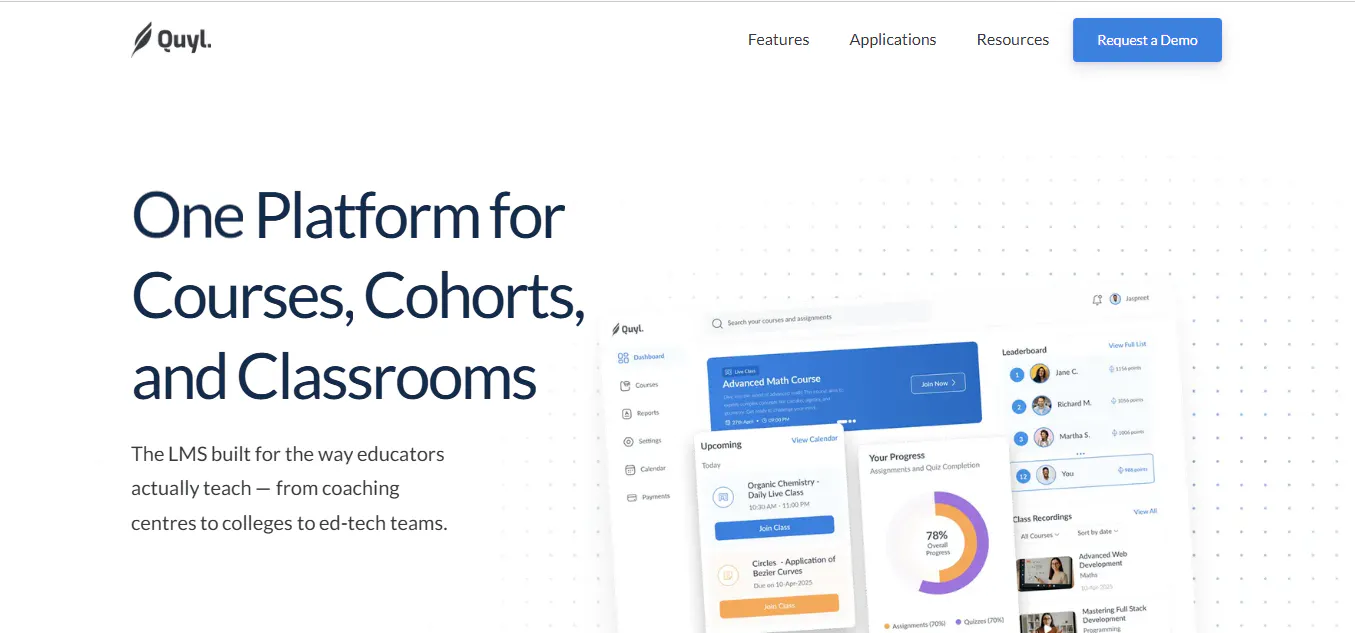
Quyl brings course delivery, assessments, live classes, academic administration, and learner progress tracking into one platform. Instead of managing separate tools for teaching, assessments, communication, and administration, educators can handle the complete learning workflow from a unified dashboard.
Quyl focuses on simplifying day-to-day academic operations while helping teachers, administrators, students, and parents stay connected. Its AI-powered features reduce repetitive tasks such as grading and quiz creation, while its management tools help institutions monitor learning progress, manage enrolments, and improve overall efficiency.
Top features:
- Structured course creation for lessons, multimedia content, and learning resources
- AI-powered quiz generation and auto-grading
- Assignments and assessments for evaluating student performance
- Live class integration with Zoom and Google Meet
- Cohort management for organising learners and courses
- Enrollment and fee management for handling admissions and payments
- Reports and analytics for tracking learner progress
- Calendar and scheduling tools for managing classes and academic activities
- Student, teacher, and parent communication features
- Mobile-friendly experience with low-bandwidth support
Pros:
- Combines learning, administration, and communication tools in one platform
- Reduces manual work through AI-powered automation
- Supports schools, coaching centres, and online learning providers
Pricing:
Custom pricing based on institutional requirements.
Best for: Schools, coaching centres, and education businesses looking for an all-in-one learning platform
2. Moodle
Moodle is one of the most popular open source LMS platforms and is widely used by educational institutions worldwide. It gives organisations complete control over their learning environment, allowing them to customise features, integrations, and workflows based on their requirements.
However, self-hosting and managing Moodle require technical expertise for setup, maintenance, and updates.
Key features:
- Open source platform with deep customisation options
- Large plugin ecosystem
- Flexible hosting and deployment options
Pros:
- No licensing cost for self-hosted versions
- High level of flexibility
- Strong global community support
Pricing:
MoodleCloud Starter: Approximately $160 USD/year for up to 50 users and 1 GB of storage.
Best for: Organisations that need an open source LMS with extensive customisation
Read more: 8 Best Moodle Alternatives and Competitors to Try in 2026
3. D2L Brightspace
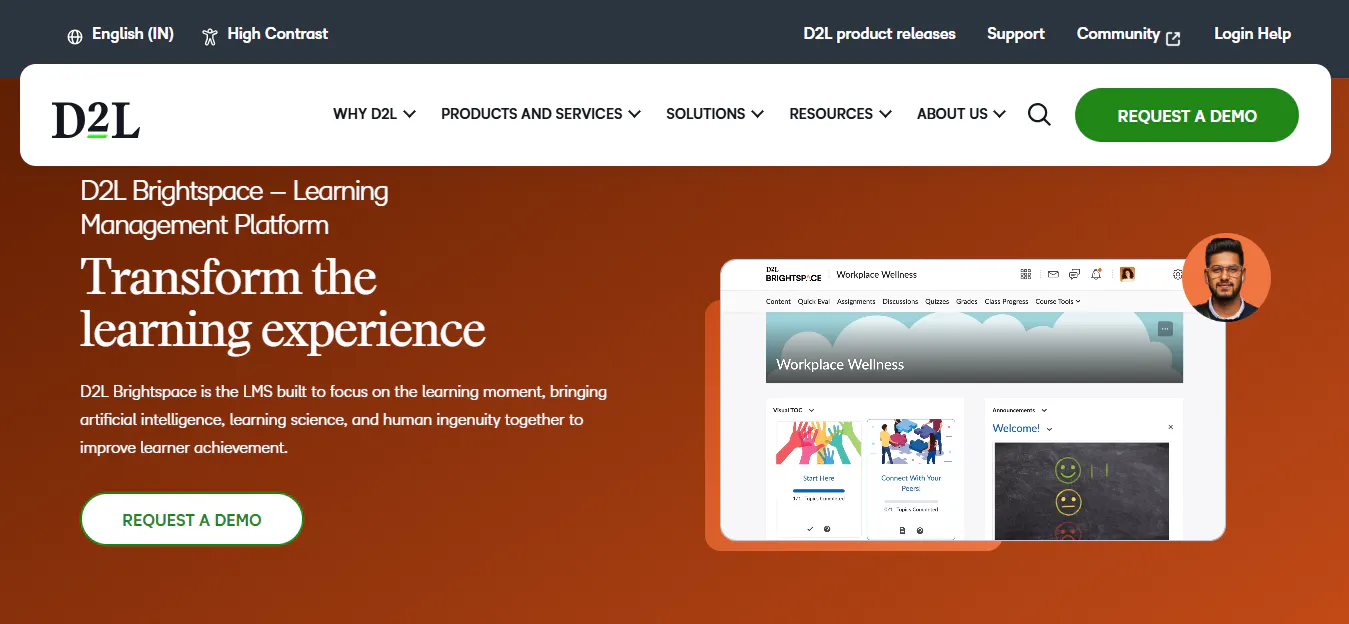
D2L Brightspace is a Canvas alternative built for higher education and large learning environments. It provides advanced analytics, competency-based learning tools, and AI features that help educators create and manage learning content more efficiently.
Key features:
- Learning analytics and reporting
- Competency-based education tools
- AI-assisted content and assessment creation
Pros:
- Strong instructional design capabilities
- Advanced learner insights
- Supports personalised learning
Pricing:
Custom pricing. Contact D2L for a quote.
Best for: Universities and institutions focused on personalised learning and analytics
4. Blackboard Learn
Blackboard Learn, now part of Anthology, is a long-standing LMS used by universities and large educational organisations. It offers tools for course creation, assessments, accessibility, collaboration, and managing large-scale learning environments.
Key features:
- AI-assisted course creation
- Accessibility support
- Discussion and collaboration tools
Pros:
- Built for large institutions
- Strong accessibility features
- Supports complex academic workflows
Pricing:
Custom pricing. Contact Anthology for a quote.
Best for: Large universities requiring enterprise LMS capabilities
5. Schoology
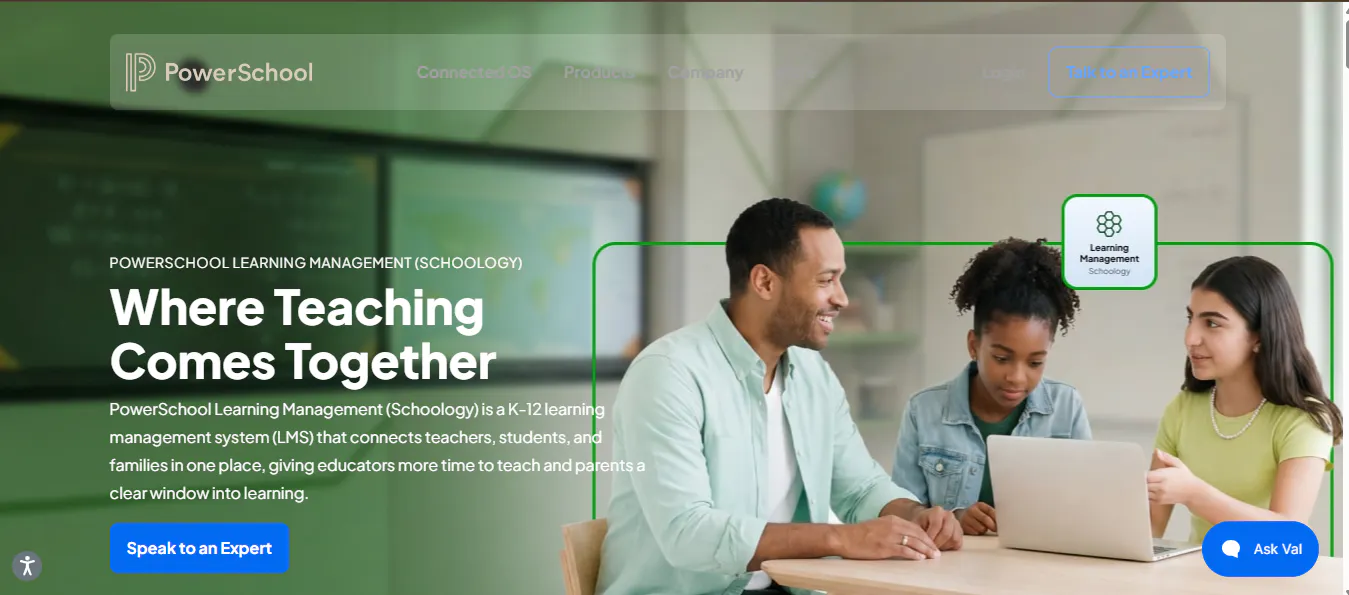
Schoology provides a structured learning environment for schools that need classroom management, curriculum planning, reporting, and student information system integrations.
Key features:
- Curriculum management
- Classroom learning tools
- Student information system integration
Pros:
- Familiar interface for educators
- Strong K-12 focus
- Supports district-level management
Pricing:
Free version available for educators. Enterprise pricing is custom.
Best for: K-12 schools and districts
Read more:
6. Google Classroom
Google Classroom is a lightweight LMS option that works well for schools already using Google Workspace. It helps teachers manage assignments, share resources, communicate with students, and provide feedback.
Key features:
- Google Workspace integration
- Assignment management
- Digital classroom collaboration
Pros:
- Easy adoption
- Quick setup
- Free for eligible institutions
Pricing:
Free for eligible institutions through Google Workspace for Education Fundamentals. Paid plans are available with additional features.
Best for: Schools looking for a simple and free learning solution
Read more: 4 Google Classroom Alternatives Schools Should Consider in 2026
How to Choose the Right Canvas Alternative for Your Institution?
The best Canvas alternative depends on your institution’s goals, learning requirements, and resources. Consider these factors before selecting a platform:
- Identify your learning needs: Choose based on whether you need academic course management, assessments, student administration, employee training, or professional learning.
- Check customisation options: Open source LMS platforms like Moodle offer more control, while cloud-based solutions provide easier management and maintenance.
- Consider implementation and support: Evaluate setup time, migration requirements, technical expertise, and ongoing support needs.
- Compare total costs: Look beyond subscription fees and consider implementation, training, integrations, and maintenance expenses.
- Think about scalability: Select a platform that can support growing learner numbers, new courses, and future learning requirements.

