
Key takeaways
- Microsoft Teams for Education is strong for communication, but dedicated LMS platforms offer deeper learning management capabilities, including structured courses, assessments, analytics, and reporting.
- The right alternative depends on institutional needs. Quyl suits institutions seeking an all-in-one LMS, Canvas focuses on course management and integrations, Google Classroom offers simplicity, Blackboard targets enterprise higher education, while Toddle is designed for K-12 and curriculum-focused schools.
- Dedicated LMS platforms can centralize more of the learning experience, reducing the need to combine multiple tools for course delivery, assessment, learner tracking, and administration.
Microsoft is known for its productivity and collaboration tools, and Microsoft Teams for Education has become a popular platform for virtual classrooms and online learning. As part of the Microsoft 365 ecosystem, it allows educators to conduct live classes, share learning materials, assign coursework, and collaborate with students through a familiar interface.
While Microsoft Teams for Education is excellent for communication and collaboration, many institutions need more advanced learning management capabilities. Dedicated LMS platforms offer features such as structured course management, assessments, learner analytics, curriculum planning, reporting, and administrative tools that go beyond virtual classrooms.
If you're looking for a platform that delivers a more complete teaching and learning experience, here are the best Microsoft Teams for Education alternatives to consider.
What does Microsoft Teams for Education offer?
Microsoft Teams for Education is a collaboration platform designed for schools, colleges, and universities. Available through Microsoft 365 Education plans such as A1, A3, and A5, it enables educators to conduct live classes, share learning materials, assign coursework, communicate with students, and collaborate using Microsoft applications like Word, Excel, PowerPoint, OneNote, and OneDrive.
Key features
- Live online classes with video conferencing.
- Assignment creation, submission, and grading.
- Class channels for discussions and announcements.
- Integration with Microsoft 365 applications.
- File sharing and cloud storage with OneDrive.
- OneNote Class Notebook for collaborative learning.
- Calendar and meeting scheduling.
- Mobile access for teachers and students.
Read more: Microsoft Teams vs LMS: Which Is Better for Schools?
Why do schools look for Microsoft Teams for Education alternatives?
Although Microsoft Teams for Education is a strong communication and collaboration platform, it is not designed as a complete learning management system. As schools expand their digital learning initiatives, they often require capabilities that extend beyond virtual classrooms.
- Primarily built for communication and collaboration rather than comprehensive learning management.
- Advanced education capabilities are available only with Microsoft 365 Education A3 and A5 plans, which may increase costs for institutions requiring premium features.
- Limited course management compared to dedicated learning management systems.
- Basic learner analytics and reporting for tracking academic performance.
- Fewer assessment, examination, and curriculum management features than full LMS platforms.
- Institutions often need additional Microsoft services and integrations to deliver a complete digital learning experience, increasing administrative complexity.
Read more: Best ICT Tools for Teaching and Learning
What are the best Microsoft Teams for Education alternatives?
The best Microsoft Teams for Education alternatives include Quyl, Canvas, Google Classroom, and Blackboard. While Microsoft Teams for Education provides excellent communication and collaboration tools, many schools and colleges eventually require a dedicated learning management system with stronger course management, assessments, learner analytics, reporting, and academic administration.
Below are four of the best alternatives for educational institutions looking to deliver a more complete digital learning experience.
Quyl
What it offers
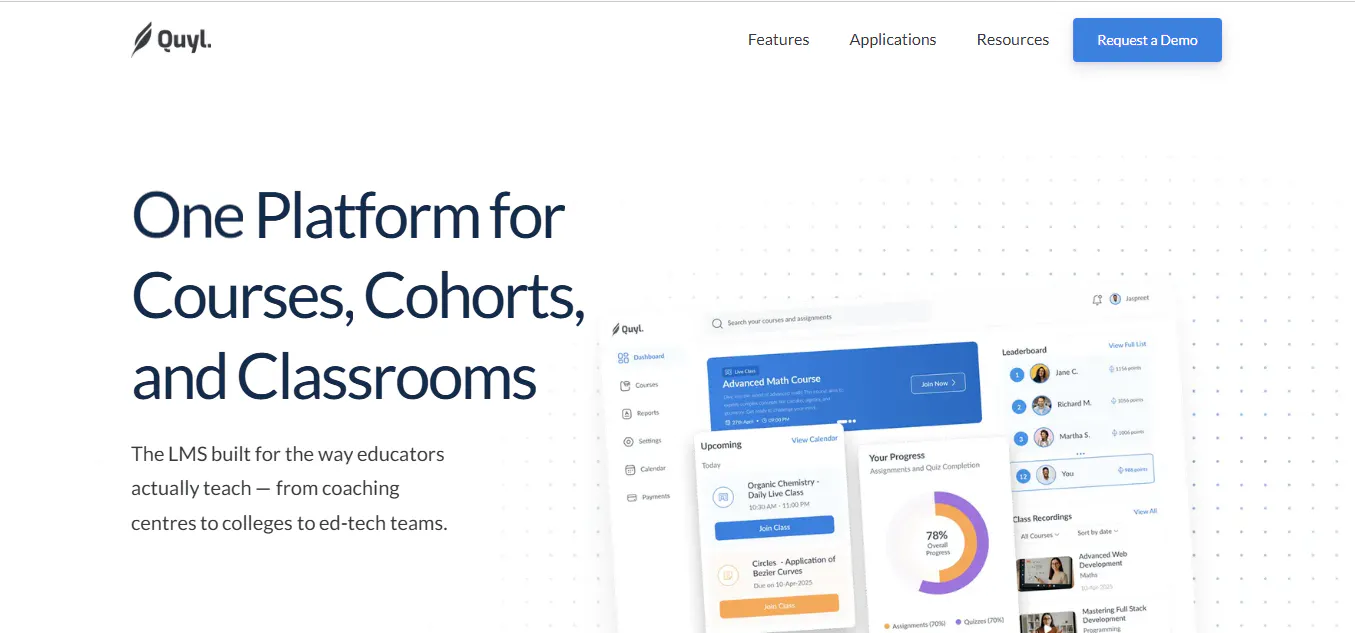
Quyl is a modern learning management system designed for schools, colleges, coaching centres, edtech platforms, and corporate training providers. It combines course creation, assessments, cohort management, reporting, live classes, and administrative tools into a single platform, helping institutions simplify teaching and day to day operations.
Alongside its core LMS capabilities, Quyl includes AI features that help educators create content faster, automate routine tasks, simplify grading, generate actionable insights, and personalize learning experiences.
Key features
- Flexible course builder with multimedia learning content.
- Assignments, quizzes, and auto grading.
- AI features for content creation, grading, and automation.
- Cohort management with learner grouping and tracking.
- Smart Insights and Smart Reports.
- Live classes with video platform integration.
- Enrollment tracking and learner progress monitoring.
- Calendar for class scheduling and deadlines.
- Payments and fee management.
- Mobile friendly and scalable platform.
Best for
Schools, colleges, coaching centres, universities, edtech platforms, and training organizations looking for an all in one learning management system.
Canvas
What it offers
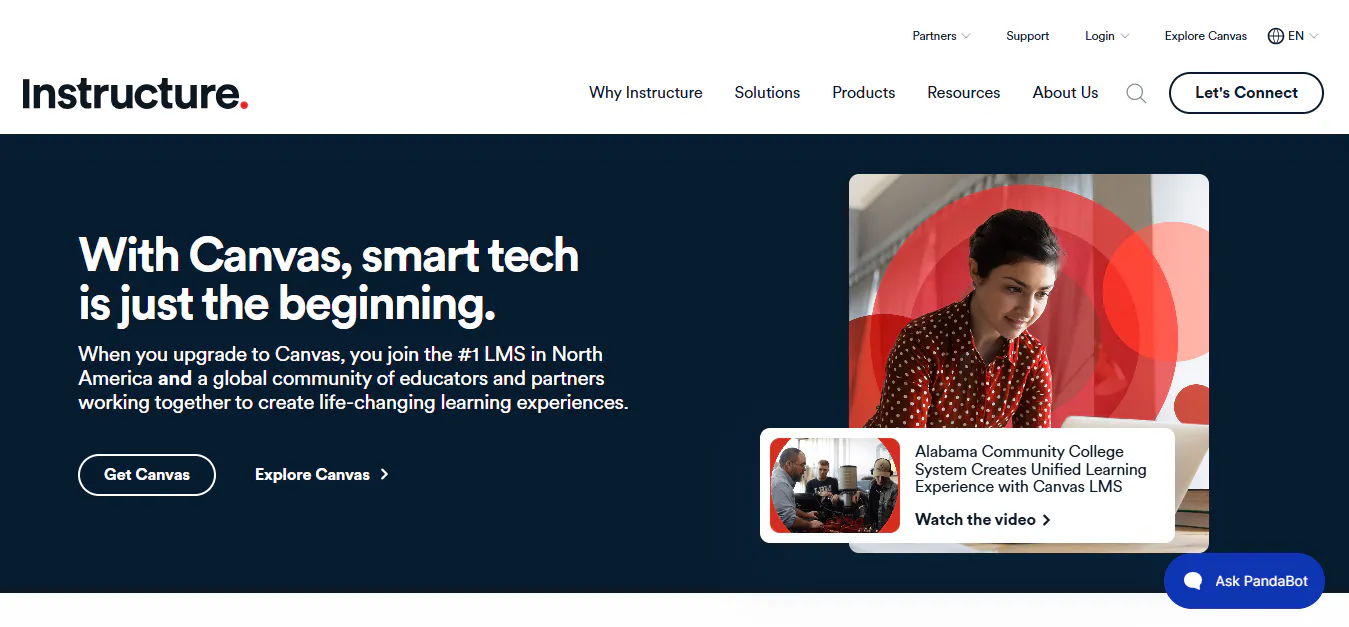
Canvas is a cloud based learning management system that helps educators create, deliver, and manage courses through an intuitive interface. It combines course management, grading, collaboration, analytics, and integrations into a scalable platform suitable for schools, colleges, and universities.
Key features
- Intuitive course management.
- SpeedGrader for faster evaluations.
- Gradebook and learner performance tracking.
- Blueprint Courses for standardized content.
- Learning analytics and reporting.
- More than 1,000 integrations.
- Dedicated mobile applications.
- Built in accessibility features.
- Cloud based infrastructure.
- Collaboration and communication tools.
Best for
Schools, colleges, and universities looking for a user friendly cloud LMS with strong grading, analytics, and integrations.
Moodle
Why it stands out
Moodle is a popular open source LMS known for its flexibility and extensive customization options. With a large plugin ecosystem and strong administrative controls, it works particularly well for institutions that have the technical resources to manage and customize their own learning environment.
Top features
- Flexible course creation with multimedia content, activities, and assessments.
- Open source architecture giving institutions greater control over data, customization, and platform configuration.
- Extensive plugin ecosystem with thousands of plugins and integrations.
- Gradebook and progress tracking to monitor student performance and course completion.
- Learning plans and competency frameworks for structured skill development.
- Collaboration tools such as forums, messaging, workshops, and blogs.
- Gamification options including badges, certificates, and leaderboards.
- Custom reporting and analytics for tracking learning outcomes and engagement.
- Mobile learning and offline access for learning across different devices.
- Multilingual and accessibility support for diverse student populations.
- Scalable security features with privacy controls and GDPR support.
Pricing
- MoodleCloud Starter: Approximately $160 USD/year for up to 50 users and 1 GB of storage.
- Self hosted and enterprise deployments: Pricing varies based on hosting, customization, implementation, and support requirements.
Read more: 8 Best Moodle Alternatives and Competitors to Try in 2026
Google Classroom
What it offers
Google Classroom is a cloud based classroom management platform that enables teachers to organize classes, distribute assignments, communicate with students, and collaborate through Google Workspace. Its simple interface makes it one of the easiest platforms to adopt for digital learning.
Key features
- Virtual classroom management.
- Google Workspace integration.
- Assignment creation and grading.
- Teacher and student communication.
- Collaborative learning through shared documents.
- Google Drive file management.
- Mobile applications.
- Cloud based accessibility.
- Calendar integration.
- Simple class administration.
Best for
Schools and educators already using Google Workspace who need a simple platform for classroom management and online learning.
Blackboard
What it offers
Blackboard is an enterprise grade learning management system built for higher education institutions and large organizations. It combines course management, assessments, accessibility, analytics, collaboration, and institutional reporting into a comprehensive digital learning platform.
Key features
- Comprehensive course management.
- Accessibility tools for inclusive learning.
- Assessment and grading capabilities.
- Learning analytics and reporting.
- AI features for teaching support.
- Video learning and collaboration.
- Institutional effectiveness tools.
- Student progress tracking.
- Enterprise cloud infrastructure.
- Academic reporting.
Best for
Universities, higher education institutions, and large organizations that require enterprise level learning management, accessibility, analytics, and academic administration.
Toddle
What it offers
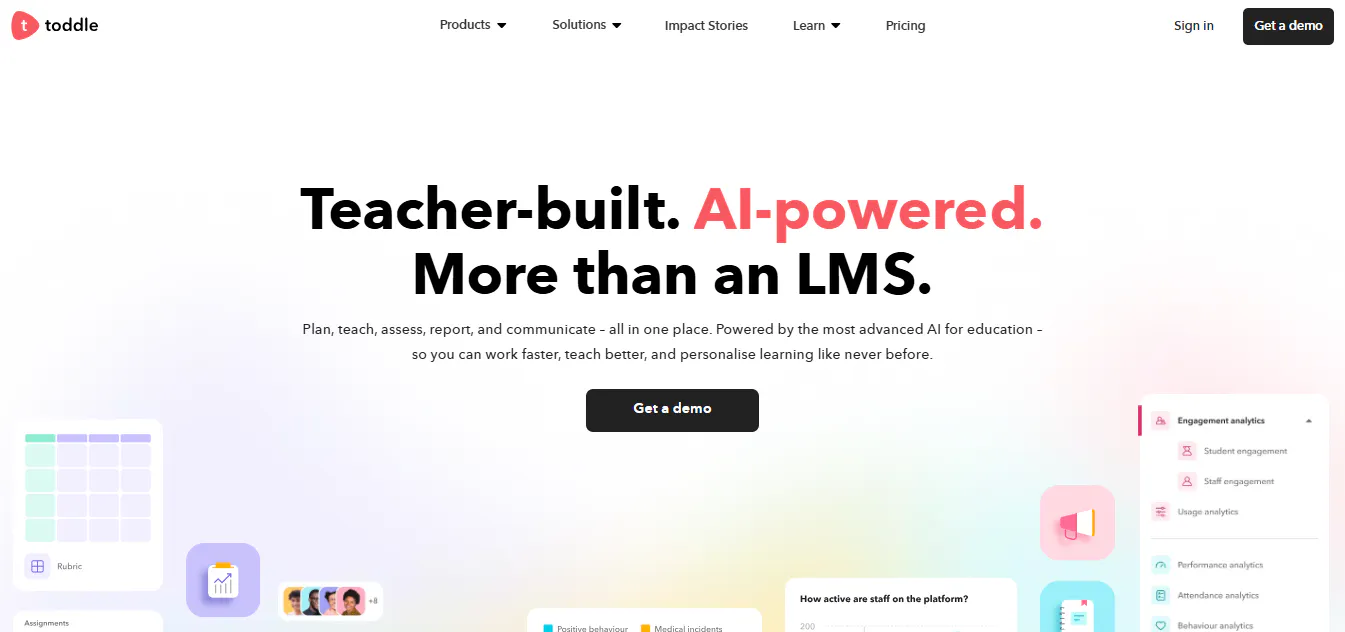
Toddle is a cloud based teaching and learning platform built specifically for K-12 schools. It combines curriculum planning, classroom instruction, assessments, reporting, communication, attendance, and school operations into a single platform, helping educators manage the entire teaching and learning process more efficiently.
The platform also includes AI features that assist with curriculum planning, assessment creation, grading, report writing, and personalized learning, allowing teachers to reduce administrative work and focus more on student outcomes.
Key features
- Curriculum planning with structured units, lessons, and learning objectives.
- AI features for lesson planning, assessment creation, grading, and feedback.
- Assessments and gradebook with performance analytics.
- Student portfolios for tracking learning progress.
- Progress reports and customizable report cards.
- Parent, teacher, and student communication tools.
- Attendance, timetable, and calendar management.
- Behaviour tracking and student wellbeing management.
- Accreditation support for leading educational frameworks.
- Integrations with education, productivity, and communication platforms.
Best for
K-12 schools, international schools, IB schools, and school districts are looking for a comprehensive platform that combines curriculum planning, classroom management, assessments, reporting, communication, and AI features.

