
Key Takeaways
- Schoology alternatives vary in their focus, from full academic LMS capabilities to coursework, communication, collaboration, and integrated learning environments.
- Canvas, Moodle, D2L Brightspace, Quyl, Google Classroom, and Microsoft Teams offer different combinations of course management, assessments, reporting, integrations, and administration.
- Institutions should compare LMS platforms based on their learning model, user requirements, integrations, customization needs, scalability, and implementation requirements.
Schoology is a popular cloud-based learning management system used by K-12 schools and higher education institutions to host courses, manage assignments, track grades, and support communication between teachers, students, and families.
Its core features include course management, assessments, grading and attendance, parent and student access, and third-party integrations.
However, Schoology also has some limitations. Users have reported that its interface can feel dated and less flexible than newer LMS platforms, while its mobile experience has received criticism around usability and performance. Some users have also reported technical issues during high-traffic activities, and certain administrative controls can be restrictive.
These limitations do not make Schoology a poor LMS, but they can create reasons for institutions to consider other options. In this blog, you'll look at some of the leading Schoology alternatives in 2026, what each platform does well, where it has limitations, and which type of institution it may suit best.
Top 6 Schoology Alternatives In 2026
As an EdTech solution, Schoology supports digital teaching by bringing course organization, assessments, grading, resources, and classroom communication into a shared online environment. Schools can use it to structure learning activities and give teachers and students a central place to manage coursework.
But an LMS needs to fit more than classroom workflows. Administration, integrations, reporting, usability, and scalability can all influence whether a platform remains suitable as an institution’s requirements change.
If Schoology no longer meets those requirements, these six Schoology alternatives in 2026 offer different approaches worth comparing.
1. Canvas
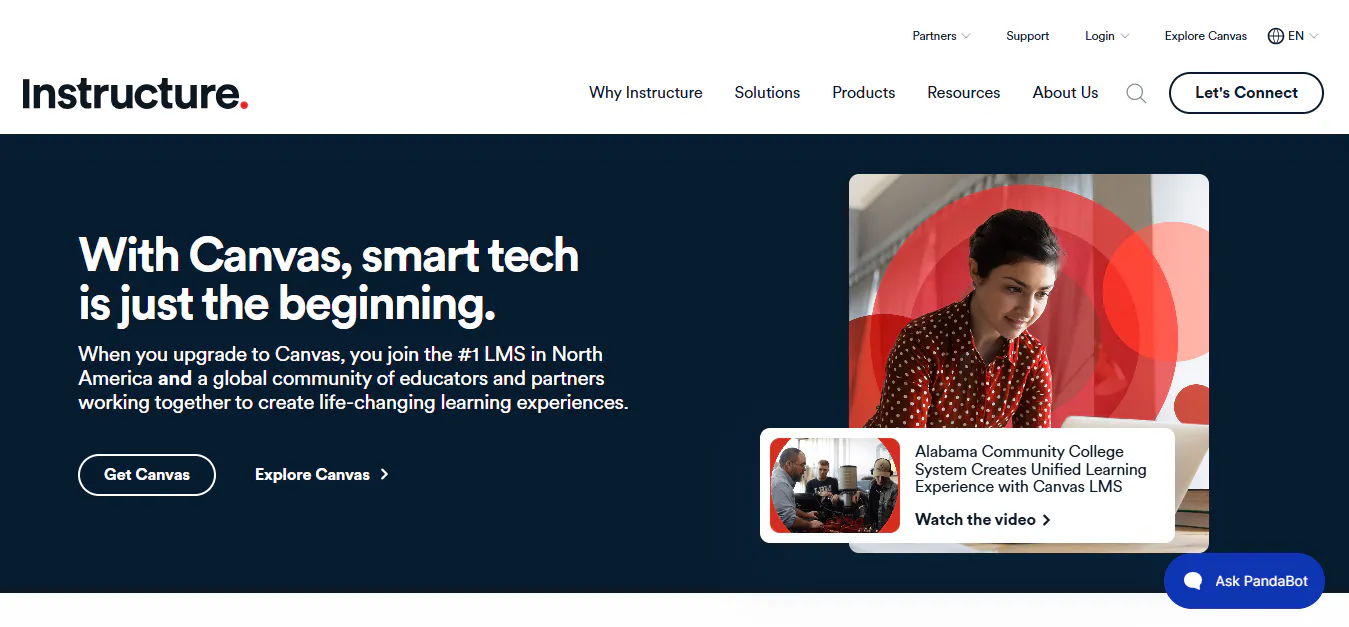
Canvas is a cloud-based learning management system designed for schools, colleges, and universities. It brings course delivery, assessments, grading, collaboration, analytics, and third-party integrations into one environment.
Key Features And Benefits
- Course Management: Create, organize, publish, and manage courses and learning materials.
- Assignments & Grading: Create assignments, grade submissions, and provide student feedback.
- Gradebook & Progress Tracking: Monitor grades, coursework, and learner progress.
- Learning Analytics: Use analytics to review learner activity and academic performance.
- Integrations: Connect external learning applications and institutional systems.
- Mobile Learning: Support access to coursework and learning activities through mobile devices.
- Collaborative Learning: Support discussions, group activities, and interaction between instructors and students.
- Accessibility Support: Provide tools and features designed to support accessible learning.
Pros
- Strong course delivery and assessment capabilities.
- Extensive integration options.
- Supports large and diverse academic programs.
- Provides analytics and mobile learning.
- Suitable for structured academic environments.
Cons
- Its broad feature set may require training and onboarding.
- External applications can require additional configuration.
- Advanced institutional requirements may increase implementation effort.
- Smaller institutions may not need its full feature set.
Best For: Higher education institutions and larger academic organizations seeking a comprehensive LMS with strong course management, integrations, assessment, and analytics.
Read more: 6 Best Canvas Alternatives for Education Institutions (2026)
2. Moodle
Moodle is an open-source learning management system that gives institutions extensive control over configuration, learning activities, integrations, and data. Its modular architecture allows organizations to adapt the platform to different academic requirements.
Key Features And Benefits
- Customizable Course Creation: Build courses around different teaching and learning requirements.
- Open-Source Architecture: Modify and configure the platform according to institutional needs.
- Plugin Ecosystem: Extend functionality through plugins and integrations.
- Gradebook & Progress Tracking: Monitor grades and learner progress.
- Assessment Tools: Create quizzes, assignments, and other assessment activities.
- Competency-Based Learning: Structure learning around competencies and outcomes.
- Collaborative Learning: Support discussions, group activities, and shared learning.
- Reporting & Analytics: Review learning activity and performance data.
- Mobile & Offline Learning: Provide access to learning activities through mobile devices, including supported offline functionality.
- Multilingual & Accessible Learning: Support different languages and accessibility requirements.
Pros
- Highly customizable and flexible.
- Gives institutions greater control over data and configuration.
- Large ecosystem of plugins and integrations.
- Supports diverse learning and assessment activities.
- Suitable for institutions with technical expertise.
Cons
- Self-hosted deployments require technical expertise and maintenance.
- Extensive configuration can increase administrative effort.
- Plugins and customization can require additional training and governance.
- Customized deployments may require ongoing technical management.
Best For: Universities, colleges, and institutions that need a customizable learning environment and have the technical capacity to manage it.
Read more: 8 Best Moodle Alternatives and Competitors to Try in 2026
3. D2L Brightspace
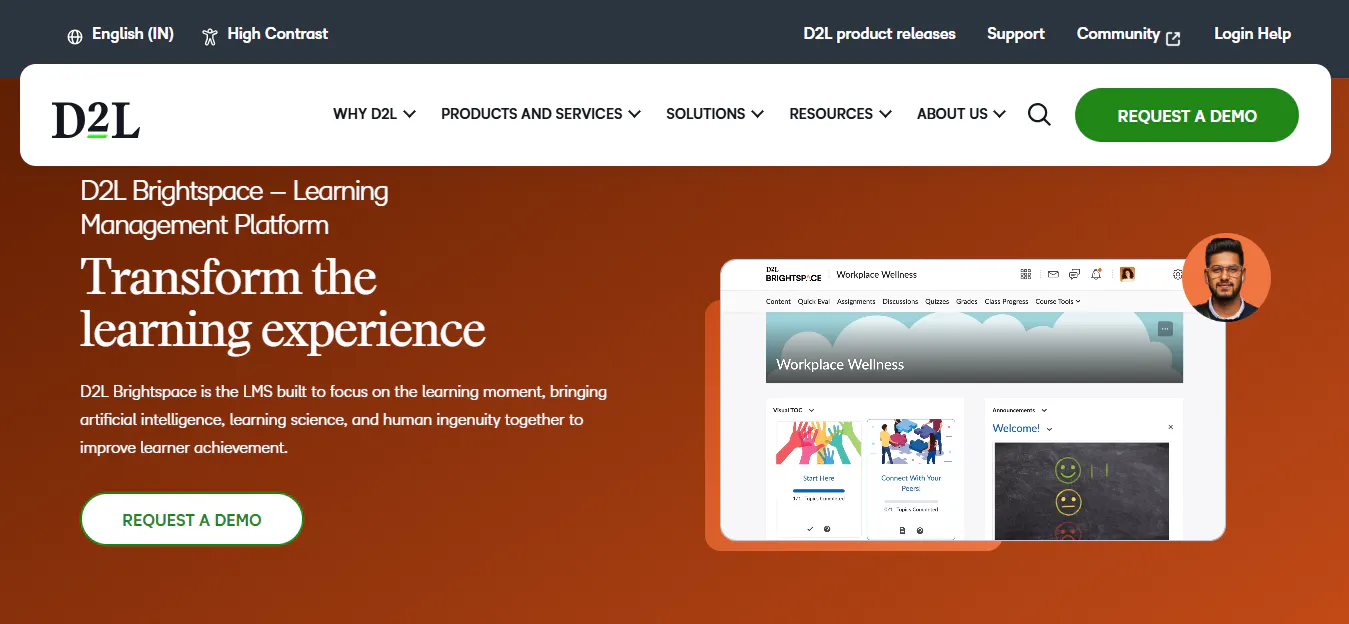
D2L Brightspace is a learning management platform focused on course delivery, assessment, analytics, personalized learning, and learner engagement. It provides tools for institutions that want to connect academic activity with learning data.
Key Features And Benefits
- Course Management: Create and organize courses, content, and learning activities.
- Assessment & Grading: Manage assignments, assessments, grades, and feedback.
- Learning Analytics: Analyze learner activity and academic performance.
- Personalized Learning: Use learner data to support more individualized learning experiences.
- Progress Tracking: Monitor learner participation and progress.
- Content Management: Organize learning resources within structured courses.
- Collaboration Tools: Support communication and interaction between learners and instructors.
- Integrations: Connect the LMS with external educational and institutional systems.
- Mobile Access: Give learners and instructors access to learning activities across devices.
Pros
- Strong analytics and data-driven learning capabilities.
- Supports personalized learning approaches.
- Comprehensive course and assessment management.
- Suitable for larger academic environments.
- Provides integration capabilities for institutional systems.
Cons
- Implementation can require careful planning.
- Platform fit depends on institutional requirements and existing systems.
- Its breadth may require training for administrators and instructors.
- Advanced configurations can increase implementation effort.
Best For: Data-driven schools, colleges, and universities looking for analytics, personalized learning, assessment, and institutional-scale LMS capabilities.
Read more: Top 7 D2L Brightspace Alternatives
4. Quyl
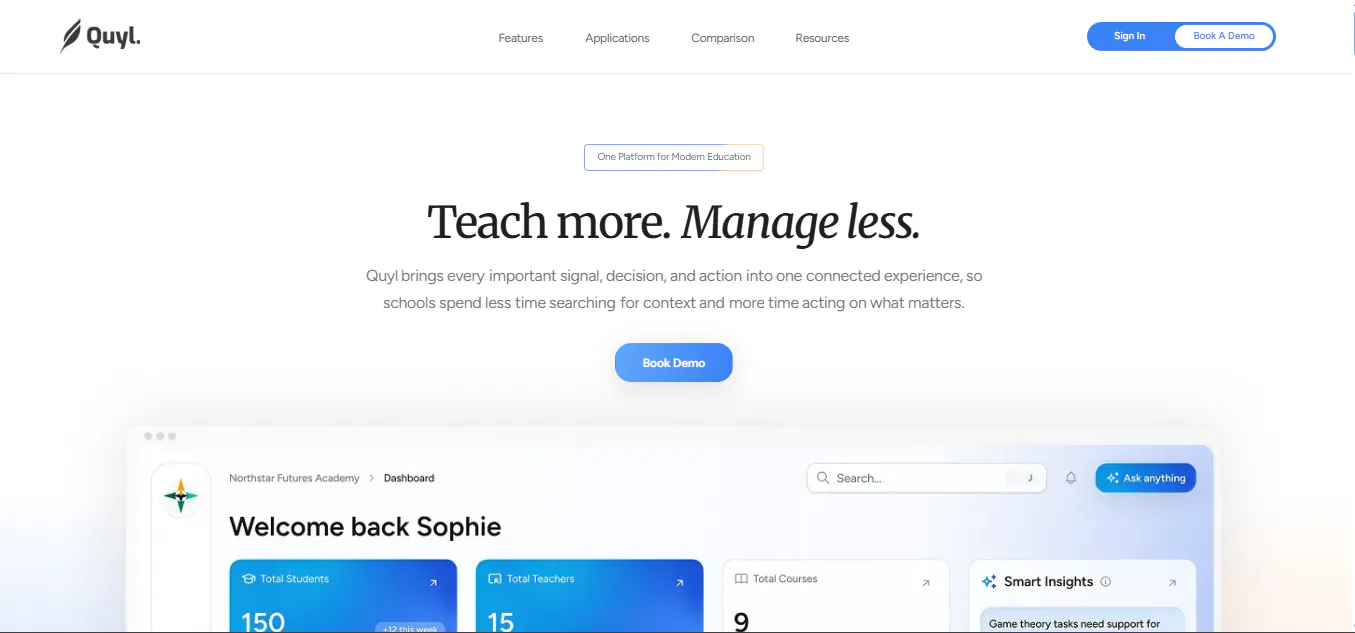
Quyl is a learning management software that brings course management, learner administration, assessments, live-class scheduling, attendance, payments, AI tools, and performance reporting into one environment. Its role-based structure gives administrators, teachers, and students different experiences based on their responsibilities and access.
Key Features And Benefits
- Role-Based Workspaces: Separate Admin, Teacher, and Student experiences with scoped permissions.
- Course Creation & Publishing: Create, organize, preview, publish, and manage courses.
- Curriculum & Multimedia Authoring: Build structured chapters using rich text, files, hosted videos, YouTube/Vimeo content, quizzes, and assignments.
- Course Discovery & Bundles: Let students browse published courses and bundles and select available enrollment options.
- Cohorts & Group Enrollment: Create learner groups and assign courses or bundles for structured learning.
- Learner Management: Manage learner profiles, enrollment, activation, and learning context.
- Assignments, Submissions & Grading: Create assignments, review submissions, award marks, provide comments, and annotate PDFs.
- Quizzes & Question Bank: Build timed quizzes with multiple response types and reusable questions.
- Progress Tracking & Dashboards: Provide role-specific views of progress, priorities, courses, and learning activity.
- Performance Reports: Analyze course, cohort, and learner performance.
- Live-Class Scheduling & Calendar: Schedule recurring classes and events with meeting links, reminders, and timezone support.
- Attendance Tracking: Record Present, Absent, Late, and Excused attendance and export reports.
- Payments & Financial Tracking: Support Razorpay and manual bank or QR payments while tracking transactions and payment history.
- Payment Plans & Access Rules: Manage installments, due dates, grace periods, and payment-based course access.
- AI-Assisted Content Creation: Generate course cover images and draft or refine rich text.
- Quyl Assistant: Provide contextual, read-only AI assistance for questions about courses, students, assessments, events, payments, and Smart Insights.
- Smart Insights: Surface evidence-linked insights on strengths, risks, weak areas, and trends.
- School Setup & Branding: Configure school details, branding, domains, timezones, holidays, categories, and academic terms.
- API Access: Create scoped API keys for external access to published tenant, cohort, course, and bundle data.
Pros
- Combines learning delivery with academic and administrative operations.
- Provides separate Admin, Teacher, and Student workflows.
- Supports courses, cohorts, assessments, attendance, payments, and reporting.
- Includes AI-assisted content creation, Quyl Assistant, and Smart Insights.
- Offers branding, configurable controls, and API access.
Cons
- Integration fit should be evaluated against an institution's existing technology environment.
- Institutions with highly specialized external systems may require additional integration planning.
Best For: Schools and structured learning providers that want learning delivery and academic operations in one platform, including courses, assessments, cohorts, learner management, live-class scheduling, attendance, payments, reporting, and AI-supported workflows.
5. Google Classroom
Google Classroom is a lightweight learning management solution built around Google Workspace. It focuses on organizing coursework, distributing assignments, communication, and collaboration within the Google ecosystem.
Key Features And Benefits
- Assignment Management: Create, distribute, collect, and review assignments.
- Google Workspace Integration: Connect coursework with Google Docs, Drive, Meet, and other Workspace tools.
- Course Organization: Organize classes, materials, assignments, and activities.
- Student Feedback: Provide comments and feedback on student work.
- Communication: Share announcements and communicate with learners.
- Google Meet Integration: Support virtual classes through Google Meet.
- Mobile Access: Access coursework and classroom activities through mobile devices.
- Simple Administration: Provide a straightforward setup for teachers and administrators.
- AI Support: Access supported AI capabilities depending on the Google Workspace configuration.
Pros
- Simple to set up and use.
- Strong integration with Google Workspace.
- Familiar interface for schools already using Google tools.
- Effective for assignment distribution and collection.
- Suitable for smaller programs and basic learning requirements.
Cons
- Less administrative depth than full institutional LMS platforms.
- Reporting and analytics may not meet advanced institutional requirements.
- Limited customization and branding compared with broader LMS platforms.
- Specialized workflows may require additional systems.
- May not provide enough functionality as the central platform for complex institutions.
Best For: Schools, departments, and academic teams already using Google Workspace that need straightforward coursework, assignments, communication, and collaboration.
Read more: 4 Google Classroom Alternatives Schools Should Consider in 2026
6. Microsoft Teams
Microsoft Teams for Education combines communication, collaboration, meetings, assignments, and Microsoft 365 tools in one environment. It is particularly suited to institutions already using Microsoft's ecosystem.
Key Features And Benefits
- Class Teams: Create dedicated spaces for classes, subjects, and groups.
- Assignments: Distribute, collect, review, and grade student work.
- Collaboration: Support discussions, file sharing, group work, and communication.
- Microsoft 365 Integration: Connect learning activities with Word, PowerPoint, Excel, OneDrive, and other Microsoft services.
- Live Classes & Meetings: Conduct virtual classes and meetings through Teams.
- Channels: Organize conversations and resources around subjects, projects, or activities.
- Mobile Access: Provide access to classes and communication across devices.
- Calendar & Scheduling: Manage meetings, classes, and academic events.
- Accessibility Tools: Support accessibility through Microsoft's built-in capabilities.
Pros
- Strong collaboration and communication capabilities.
- Deep integration with Microsoft 365.
- Supports live classes and group work.
- Familiar environment for institutions already using Microsoft products.
- Brings communication and coursework into one ecosystem.
Cons
- Learning workflows depend heavily on the Microsoft ecosystem.
- Institutions using other productivity platforms may gain less from its integrations.
- Dedicated LMS requirements may require additional Microsoft tools or systems.
- Administration can become more involved as the Microsoft environment expands.
Best For: Schools, colleges, and institutions already using Microsoft 365 that want learning, communication, collaboration, and live classes within the same ecosystem.
Conclusion
Choosing a Schoology alternative depends on the institution’s learning model, users, administrative requirements, integrations, and level of LMS functionality needed. Canvas, Moodle, and D2L Brightspace offer broad academic capabilities, while Google Classroom and Microsoft Teams focus more on coursework, communication, and collaboration within their respective ecosystems.
Quyl combines learning delivery with courses, assessments, cohorts, attendance, payments, reporting, and AI-supported workflows. Comparing these platforms based on features, usability, integrations, customization, and implementation requirements can help institutions identify an LMS that fits their needs.

