
Key Takeaways
- Blended learning combines classroom teaching with digital activities such as online content, assignments, quizzes, and assessments.
- LMS platforms support blended learning in different ways through course management, assessments, live classes, analytics, collaboration, and integrations.
- The right LMS depends on your school’s needs including usability, customization, learner management, reporting, integrations, and scalability.

Blended learning combines in person teaching with digital learning, allowing schools to use classroom instruction alongside digital content, assignments, assessments, and other learning activities. But managing both formats can become difficult when teachers and students have to switch between multiple tools.
A Learning Management System (LMS) supports blended learning by bringing classroom and digital activities together, giving teachers one place to organize courses, share learning materials, manage assessments, and track student progress.
In this guide, we’ll look at the best LMS platforms for supporting blended learning, compare their features and capabilities, and explain what schools should consider before choosing one.
What is Blended Learning?
Blended learning is an approach that combines in person classroom teaching with digital learning activities. Students learn through a mix of teacher led instruction and technology supported activities, rather than relying entirely on classroom teaching or digital learning.
For example, a teacher may introduce a topic and provide videos and reading materials through a school learning management software, assign an online quiz for practice, and use the next classroom session to discuss questions and review student performance.
7 Top LMS Software for Blended Learning
1. Quyl
What it offers
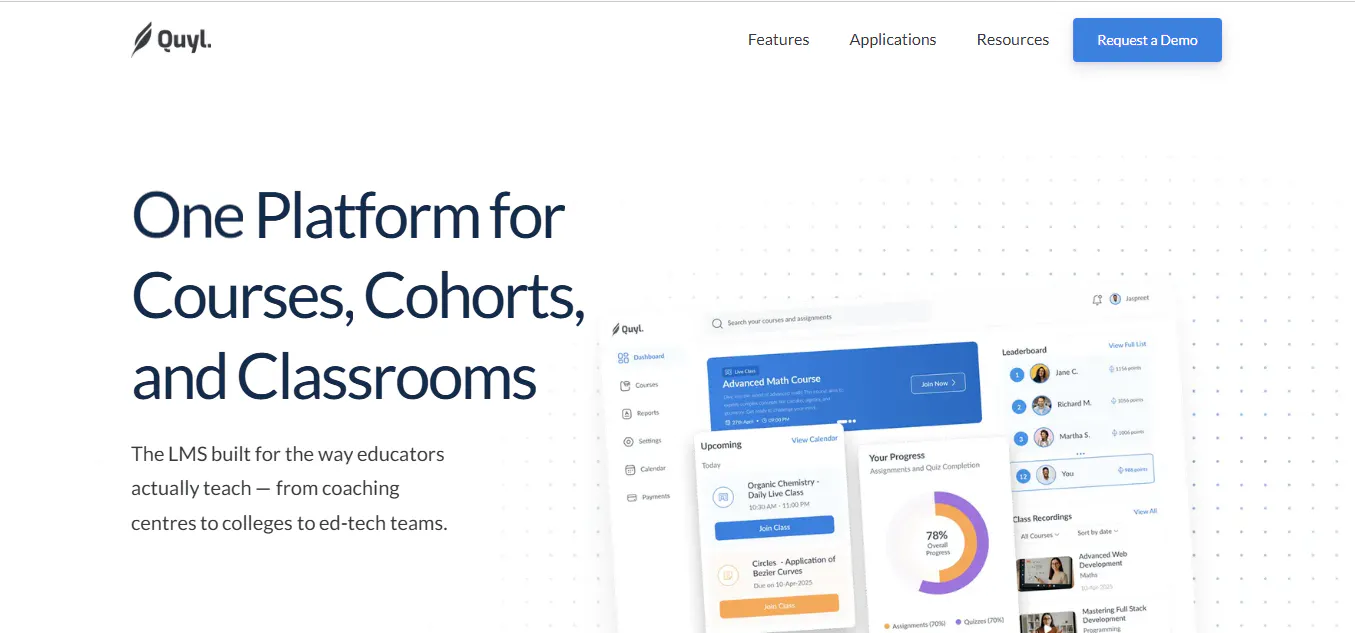
Quyl is a modern learning management system designed for schools, colleges, coaching centres, edtech platforms, and training organizations. It brings course creation, assessments, learner management, reporting, live learning, AI powered tools, and administrative capabilities into one platform.
Rather than focusing mainly on communication and virtual classrooms, Quyl gives schools a broader system for managing the learning experience, from creating courses and assessments to tracking student progress and generating insights.
- Course creation with videos, documents, links, quizzes, assignments, and interactive content.
- Assignments, quizzes, assessments, question sections, grading, and assessment performance tracking.
- AI-powered content creation, quiz and assignment generation, AI-assisted grading, and learning support.
- Quyl Assistant for contextual questions across courses, students, assessments, events, payments, and Smart Insights.
- Cohort management with learner grouping, course assignment, schedules, and cohort dates.
- Smart Insights and Smart Reports for strengths, weak areas, risks, trends, next steps, and institutional performance.
- Live classes with recurring schedules, meeting links, reminders, and time-zone support.
- Enrollment, learner progress, attendance, and course activity tracking.
- Calendar, scheduling, academic events, terms, holidays, and important dates.
- Fee and payment management with plans, discounts, Razorpay, and manual bank or QR payments.
- Role-based access for administrators, teachers, students, and parents.
- Parent access for managing multiple children, viewing progress, receiving invitations, and handling payments.
- Staff and team management with role-based workspaces and access.
- Platform customization with your organisation's logo, colours, theme, school details, domain, support contact, timezone, and course categories.
- Organisation settings for academic structure, terms, holidays, payment settings, and other platform preferences.
- Course discovery, bundles, and structured learning offerings for different learner groups.
- API access with scoped keys for controlled access to tenant, cohort, course, and bundle data.
- Multi-course and multi-cohort management for schools, colleges, coaching centres, tutoring businesses, EdTech companies, and corporate training teams.
- Centralised dashboards and analytics for administrators to monitor learners, courses, assessments, attendance, payments, and performance.
Best for: Schools, colleges, coaching centres, and education organizations looking for an LMS that combines learning management, AI, analytics, and administrative capabilities.
2. Canvas
What it offers
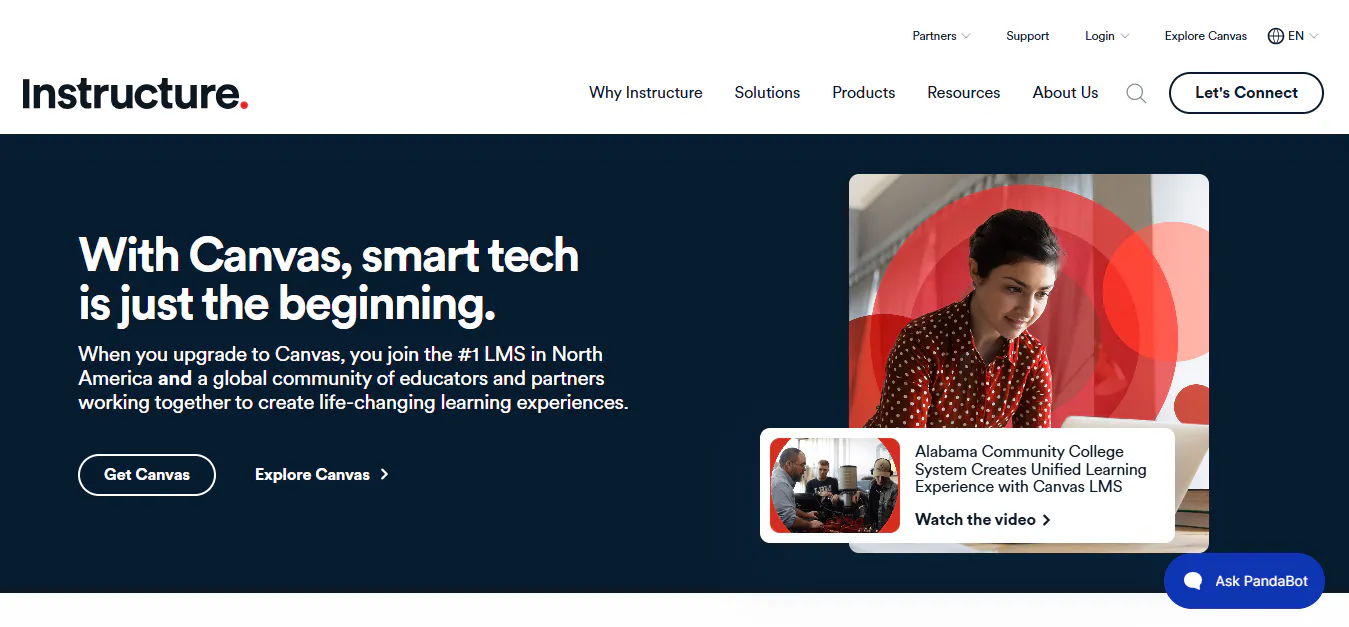
Canvas is a cloud based LMS focused on course management, teaching, assessment, collaboration, and learning analytics. Its intuitive interface and extensive integration ecosystem make it a popular option for educational institutions that want a structured digital learning environment.
Key capabilities
- Course and content management.
- Assignments, quizzes, and SpeedGrader.
- Gradebook and student performance tracking.
- Blueprint Courses for standardized course content.
- Learning analytics and reporting.
- Large integration ecosystem.
- Mobile applications for teachers and students.
- Accessibility features.
- Discussion and collaboration tools.
- Cloud based infrastructure.
Best for: Schools, colleges, and universities looking for a user friendly LMS with strong course management, grading, analytics, and integrations.
Read more: 6 Best Instructure Alternatives for Education Institutions (2026)
3. Moodle
What it offers
Moodle is an open source LMS that gives institutions extensive control over their learning environment. Schools can customize the platform, install plugins, integrate external tools, and choose how the system is hosted and managed.
Its open source model makes it particularly useful for institutions that want flexibility over their LMS rather than relying on a fixed vendor environment.
Key capabilities
- Open source LMS architecture.
- Course and content management.
- Assignments, quizzes, and grading.
- Extensive plugin ecosystem.
- Learning analytics and reporting.
- Mobile and offline learning through the Moodle App.
- LTI and API support.
- Multilingual capabilities.
- Customizable learning environments.
- AI integrations through its AI subsystem.
Best for: Institutions that want extensive customization, platform control, and flexibility over how their LMS is deployed and managed.
Read more: 8 Best Moodle Alternatives and Competitors to Try in 2026
4. D2L Brightspace
What it offers
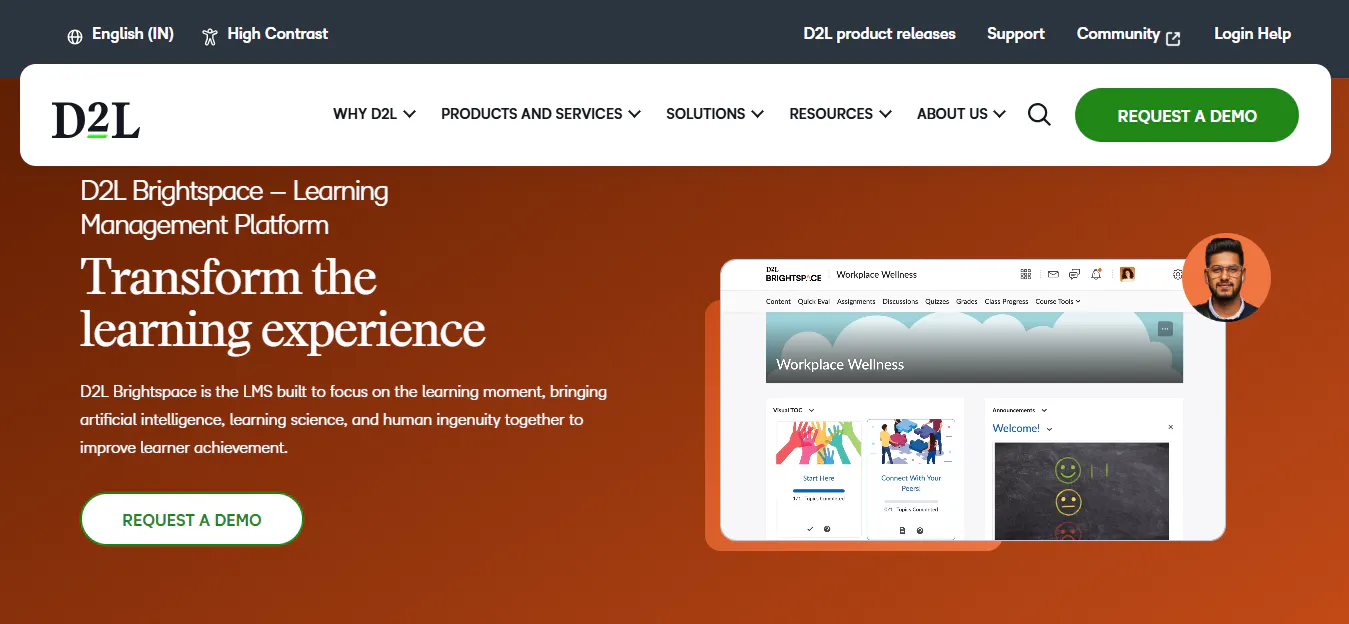
D2L Brightspace is a cloud based LMS designed for institutions that need advanced learning analytics, personalized learning, assessment tools, and structured course management. It supports large learning environments while giving educators tools to monitor learner performance and engagement.
Key capabilities
- Course and content management.
- Learning analytics and reporting.
- Assessment and grading tools.
- Competency based learning.
- Personalized learning capabilities.
- AI powered learning features.
- Video and multimedia learning.
- Mobile learning.
- Accessibility features.
- Integration with external education tools.
Best for: Schools, colleges, and universities that prioritize learning analytics, personalized learning, and structured academic management.
Read more: 10 Questions to Ask Your LMS Vendor
5. Blackboard Learn
What it offers
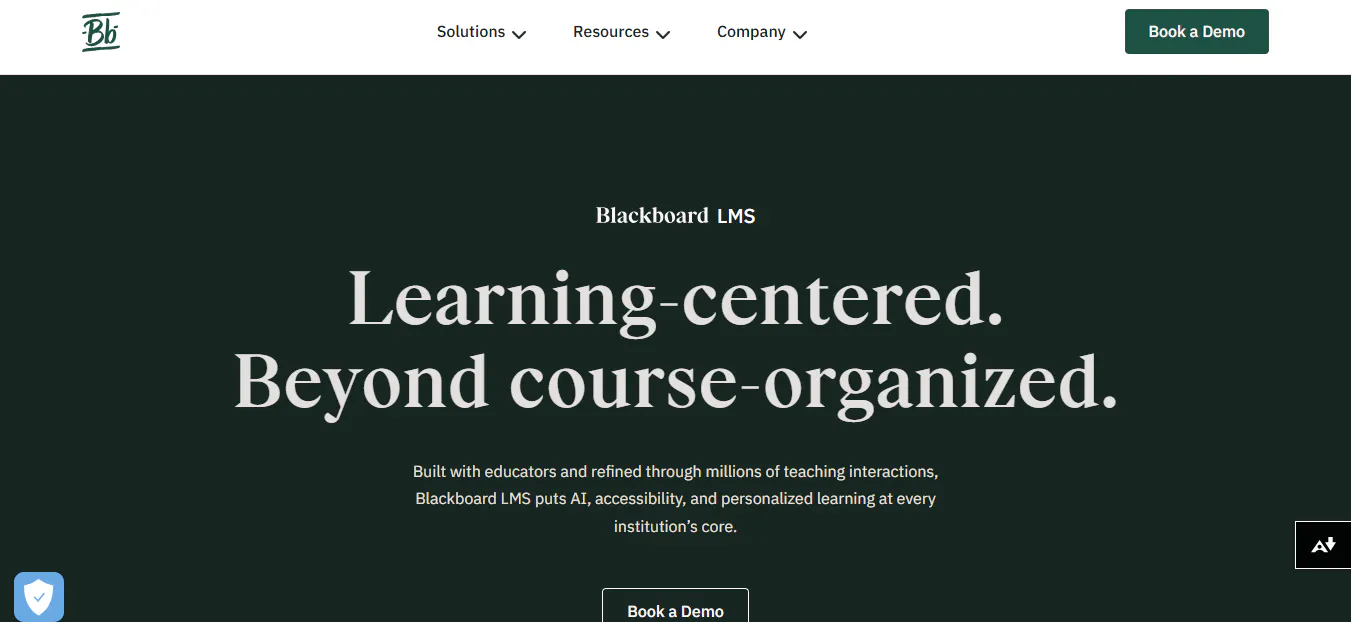
Blackboard Learn is an enterprise LMS designed to support large educational institutions with course management, assessments, analytics, accessibility, collaboration, and institutional reporting. It provides a broad set of academic tools for institutions managing complex learning environments.
Key capabilities
- Course and content management.
- Assessments and grading.
- Accessibility tools.
- Learning analytics and reporting.
- AI assisted teaching and course creation features.
- Discussion and collaboration tools.
- Student progress tracking.
- Video learning capabilities.
- Institutional reporting.
- Enterprise cloud infrastructure.
Best for: Universities and large educational institutions that require enterprise level learning management, analytics, accessibility, and academic workflows.
6. Google Classroom
What it offers
Google Classroom is a lightweight classroom management platform built around Google Workspace for Education. It allows teachers to create classes, distribute learning materials, assign coursework, grade submissions, and communicate with students through familiar Google tools.
Its biggest advantage is simplicity, particularly for schools already using Google Workspace.
Key capabilities
- Virtual classroom management.
- Assignment creation and grading.
- Google Docs, Sheets, Slides, and Drive integration.
- Class announcements and communication.
- Collaborative document editing.
- Calendar integration.
- Mobile applications.
- Cloud based file management.
- Simple class administration.
- Google Workspace integration.
Best for: Schools that already use Google Workspace and need a simple, easy to adopt platform for classroom management and digital learning.
Read more: 4 Google Classroom Alternatives Schools Should Consider in 2026
7. Schoology
What it offers
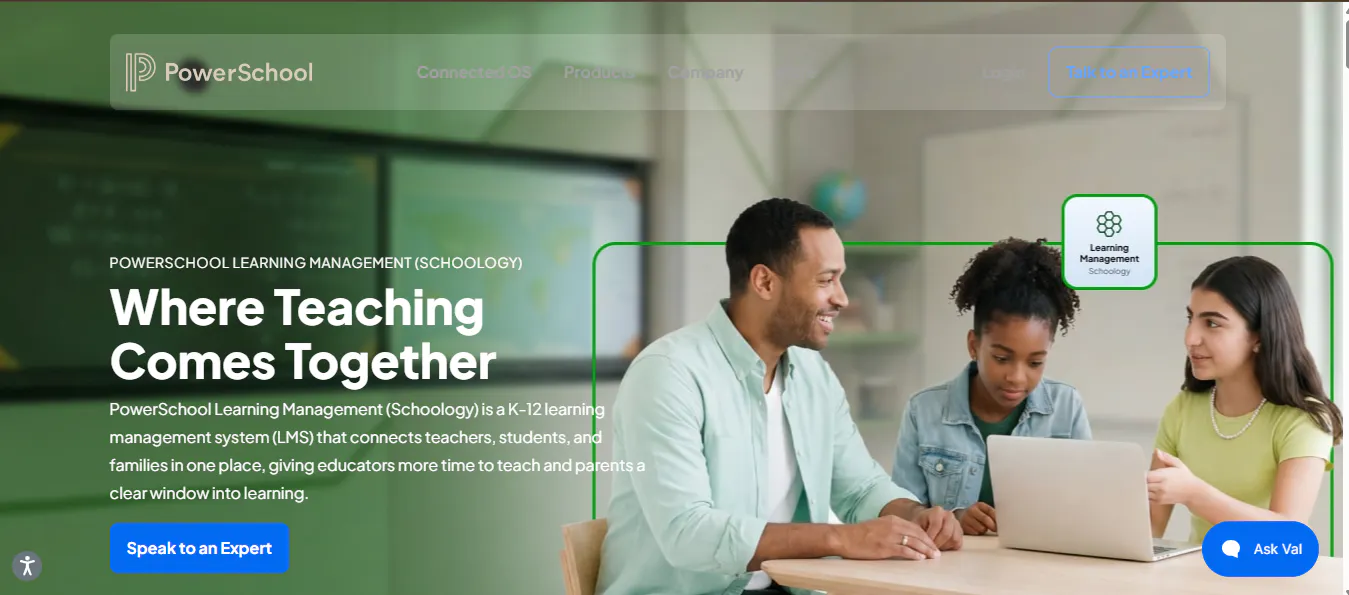
Schoology Learning is a K-12 focused LMS that combines classroom management, curriculum, assessment, communication, and student information system integrations. It is designed to connect teachers, students, families, and administrators within a school or district environment.
Key capabilities
- Course and curriculum management.
- Assignments and assessments.
- Gradebook and grading.
- Learning analytics.
- Student and family communication.
- Student information system integrations.
- Mobile applications.
- Collaboration tools.
- District level administration.
- AI powered learning capabilities.
Best for: K-12 schools and districts looking for an LMS with strong classroom management, curriculum tools, communication, and SIS integration.
Read more: Top 6 Schoology alternatives for K-12 schools
Conclusion
Blended learning combines face-to-face teaching with digital learning, and an LMS helps schools manage both within one structured environment.
The seven platforms take different approaches. Quyl combines course management, assessments, learner management, live learning, analytics, AI-powered tools, and administration. Canvas and Brightspace focus on course management and analytics, Moodle offers extensive customization, while Blackboard, Google Classroom, and Schoology cater to different institutional and K-12 needs.
Schools should consider their teaching model, learners, technology, budget, integrations, scalability, and administrative requirements when choosing an LMS. The right platform should support both classroom and digital learning effectively.

