
Key Takeaways
- A digital classroom uses digital devices, software, internet connectivity, and online resources to enhance traditional classroom teaching.
- Schools need the right combination of hardware, connectivity, educational software, digital resources, teacher training, and technical support to build an effective digital classroom.
- Digital classrooms can improve learning flexibility, student engagement, personalised learning, and access to learning data while supporting technology-enabled education under NEP 2020.
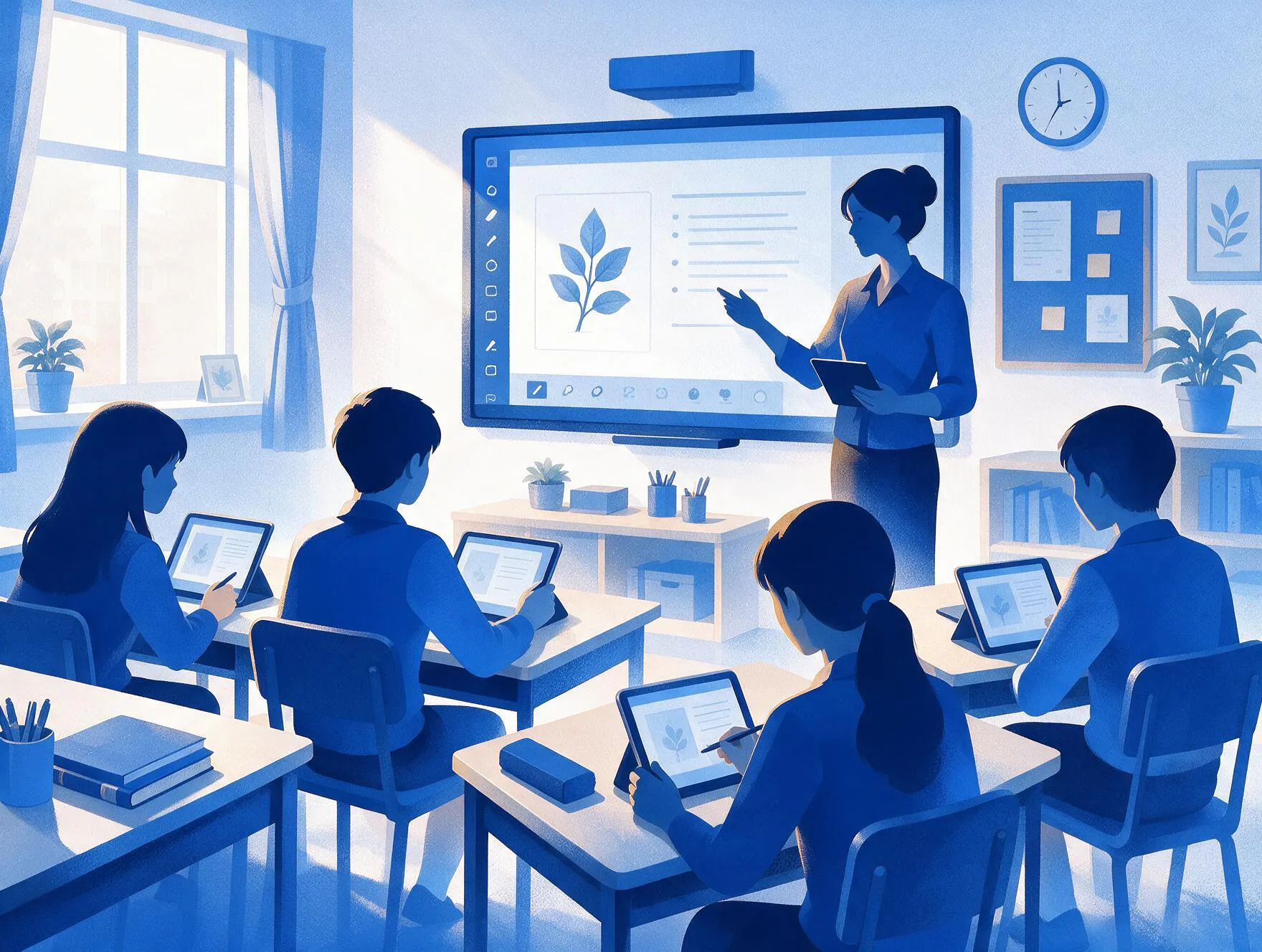
A digital classroom is a learning space that uses electronic devices, software, and internet connectivity to enhance traditional classroom teaching. It can use smart screens, digital content, online assessments, learning platforms, and virtual tools to support teachers and students.
India’s digital classroom adoption is growing, According to The Indian Express 64.7% of schools having functional computers and 63.5% having internet connectivity. In this blog, we’ll look at how digital classrooms work, their key components, benefits, challenges, and the tools schools can use to build an effective digital learning environment.
What Is a Digital Classroom?
A digital classroom is a learning environment where teachers use digital devices, software, and online resources to deliver lessons and support students. It can include smart boards, digital content, online assessments, virtual classes, and learning platforms alongside regular classroom teaching.
What Are the Key Components of a Digital Classroom?
A digital classroom needs more than smart devices and internet access. Schools need the right infrastructure, software, learning resources, teaching methods, and technical support to create an effective digital learning environment.
- Digital Hardware – Schools use smart boards, interactive panels, computers, tablets, projectors, and other connected devices to support classroom instruction.
- Internet and Connectivity – Reliable internet connections allow teachers and students to access online resources, virtual classes, collaboration tools, and cloud-based platforms.
- Educational Software – A school learning management software helps schools in learning applications, assessment tools, and classroom software to manage and deliver digital learning.
- Digital Learning Resources – Teachers use videos, eBooks, presentations, simulations, interactive lessons, and other multimedia resources to support different learning activities.
- Digital Teaching Practices – Teachers use technology to deliver lessons, encourage collaboration, assess understanding, and provide personalised learning support.
- Technical and Teacher Support – Schools provide technical assistance and teacher training to help educators use digital tools effectively and resolve technology-related issues.
Read more: 10 Must-Have Smart Classroom Equipment for Modern Schools
What Are the Different Types of Digital Classrooms?
- Smart Classrooms – Smart classrooms use interactive panels, projectors, computers, and digital content to support classroom teaching.
- Blended Classrooms – Blended learning combine face-to-face teaching with online lessons, assignments, assessments, and self-paced activities.
- Virtual Classrooms – Virtual classrooms deliver lessons through video classes, digital resources, online discussions, and assessments.
- Flipped Classrooms – Flipped classrooms provide digital learning materials before class and use classroom time for discussions, problem-solving, and practical activities.
What Are the Benefits of a Digital Classroom?
Digital classrooms give schools more ways to deliver lessons, support students, and manage learning. By combining classroom teaching with digital tools, schools can improve flexibility, engagement, accessibility, and the use of learning data.
Supports Personalised Learning
Digital platforms allow teachers to adjust learning activities based on student performance. Students can review difficult topics, complete additional activities, and progress at a suitable pace.
Improves Access to Learning
Digital classrooms give students access to lessons, resources, and recorded sessions through connected devices. This access allows students to continue learning beyond the physical classroom and revisit lessons when required.
Increases Student Engagement
Interactive content, digital quizzes, videos, simulations, and collaborative activities give students more opportunities to participate. These tools can make lessons more active than traditional lecture based teaching.
Helps Teachers Use Learning Data
Digital assessments and analytics show teachers how students perform across different activities. Teachers can use these insights to identify learning gaps, provide targeted support, and adjust their teaching.
Reduces Resource Costs
Digital resources can reduce recurring expenses related to printing, paper, and physical learning materials. Schools can also reuse and update digital content without reproducing the entire resource.
Enables Flexible Learning
Students can access digital resources outside regular classroom hours. This flexibility supports revision, homework, missed lessons, and learning activities that students complete independently.
Read more: 10 Smart Strategies for Teachers to Work Smarter and Save Time
What Are Some Examples of Digital Classroom Activities?
Digital classrooms can support different types of learning activities rather than simply replacing printed materials with digital versions.
- Interactive Quizzes – Teachers can use digital quizzes to check student understanding during or after a lesson.
- Digital Assignments – Students can submit assignments online and receive digital feedback from teachers.
- Virtual Simulations – Simulations can help students explore scientific experiments, real-world situations, or complex concepts in an interactive environment.
- Collaborative Projects – Students can work together on shared digital documents, presentations, projects, and other activities.
- Recorded Lessons – Teachers can provide recorded explanations or learning materials that students can revisit for revision or additional support.
- Online Assessments – Digital assessments can help teachers evaluate learning and identify areas where students need additional support.
Read more: 10 Modern Teaching Methods Transforming K-12 Education
How to Set Up a Digital Classroom?
Schools can build a digital classroom by starting with their learning requirements and gradually introducing the technology needed to support teaching. A practical setup can follow these steps:
Step 1: Assess School Requirements
Schools should evaluate their curriculum, student needs, existing infrastructure, internet connectivity, available devices, and teacher readiness. This assessment helps schools identify which technologies they actually need.
Step 2: Select the Right Technology
Schools can choose interactive panels, computers, tablets, projectors, digital content, assessment tools, and an LMS based on their requirements. The selected technology should work together rather than create separate systems for teachers and students.
Step 3: Build the Digital Learning Environment
Schools can organise digital courses, learning resources, assignments, assessments, and communication through a central platform. An LMS can provide a common space for teachers and students to access and manage learning activities.
Step 4: Train Teachers
Schools should train teachers to use digital tools effectively in their lessons. Training should cover digital content, interactive activities, online assessments, classroom management, and learning analytics.
Step 5: Introduce Digital Learning Gradually
Teachers can start with simple digital activities before introducing more advanced tools. Schools can combine multimedia lessons, interactive assessments, digital assignments, and Live Classes with regular face to face teaching.
Step 6: Monitor and Improve
Schools should review student participation, learning performance, teacher feedback, and technology usage. Administrators can use these insights to improve the digital classroom and expand successful practices.
Read more: Best ICT Tools for Teaching and Learning
How to Fund a Digital Classroom?
Schools can use multiple funding sources to cover the cost of hardware, software, connectivity, training, and digital learning resources.
Government Schemes and Grants
Schools can check government education programmes and grants that support digital infrastructure, technology adoption, and school modernisation.
CSR Funding
Schools can approach companies with Corporate Social Responsibility programmes for support. CSR partnerships can help fund devices, smart classroom equipment, internet infrastructure, and digital learning initiatives.
Community Partnerships
Schools can work with local businesses, education organisations, alumni groups, and community organisations to secure financial or technology support.
Technology Partnerships
Schools can work directly with education technology providers to access suitable software, implementation support, training, or institutional pricing. This approach can reduce upfront technology costs while giving schools access to specialised digital learning solutions.
Read more: 6 Government Policies Shaping EdTech in India
How Digital Classrooms Support NEP 2020
NEP 2020 encourages schools to use technology to improve access, learning quality, assessment, and teacher support. Digital classrooms can support these goals by giving students access to digital resources, enabling interactive and experiential learning, and helping teachers use technology and learning data in everyday instruction.
Digital learning also supports the policy's focus on flexible learning pathways, multilingual resources, digital literacy, and technology-enabled education. Schools can use digital classrooms alongside traditional teaching to create more inclusive and learner-focused educational environments.
How Does an LMS Support a Digital Classroom?
An LMS can provide a central digital environment for managing learning activities. While classroom hardware provides the technology students and teachers interact with, an LMS can bring courses, learning resources, assignments, assessments, communication, and learning progress together in one place.
Teachers can use an LMS to share learning materials, distribute assignments, conduct assessments, provide feedback, and monitor student progress. Students can use the platform to access course materials, submit work, review feedback, and track their learning activities.

